
Jeep Uconnect Apple CarPlay Keeps Disconnecting? (5 Best Fixes)
Are you frustrated because your jeep uconnect apple carplay keeps disconnecting? Discover 5 best workshop fixes to stop USB errors and screen dropouts now.

Few things are more annoying on a road trip than when your navigation map suddenly disappears. It is incredibly frustrating when your jeep uconnect apple carplay keeps disconnecting randomly on the highway.
Owners of the Jeep Wrangler, Grand Cherokee, and RAM trucks frequently complain about this specific glitch. It is very common in the Uconnect 8.4-inch and 12-inch screens.
Most drivers assume their expensive iPhone is broken when this error happens. They usually buy a new charging cable the moment a jeep uconnect apple carplay keeps disconnecting warning pops up.
However, the Uconnect system is notorious for having weak USB media hubs. It also suffers from software memory leaks that drop the data handshake.
Do not spend money at a dealership for expensive electrical diagnostics just yet. A jeep uconnect apple carplay keeps disconnecting issue can usually be solved right in your driveway.
Our workshop has diagnosed hundreds of these Uconnect failures. Here are the 5 best practical fixes to permanently stop your CarPlay from dropping out.
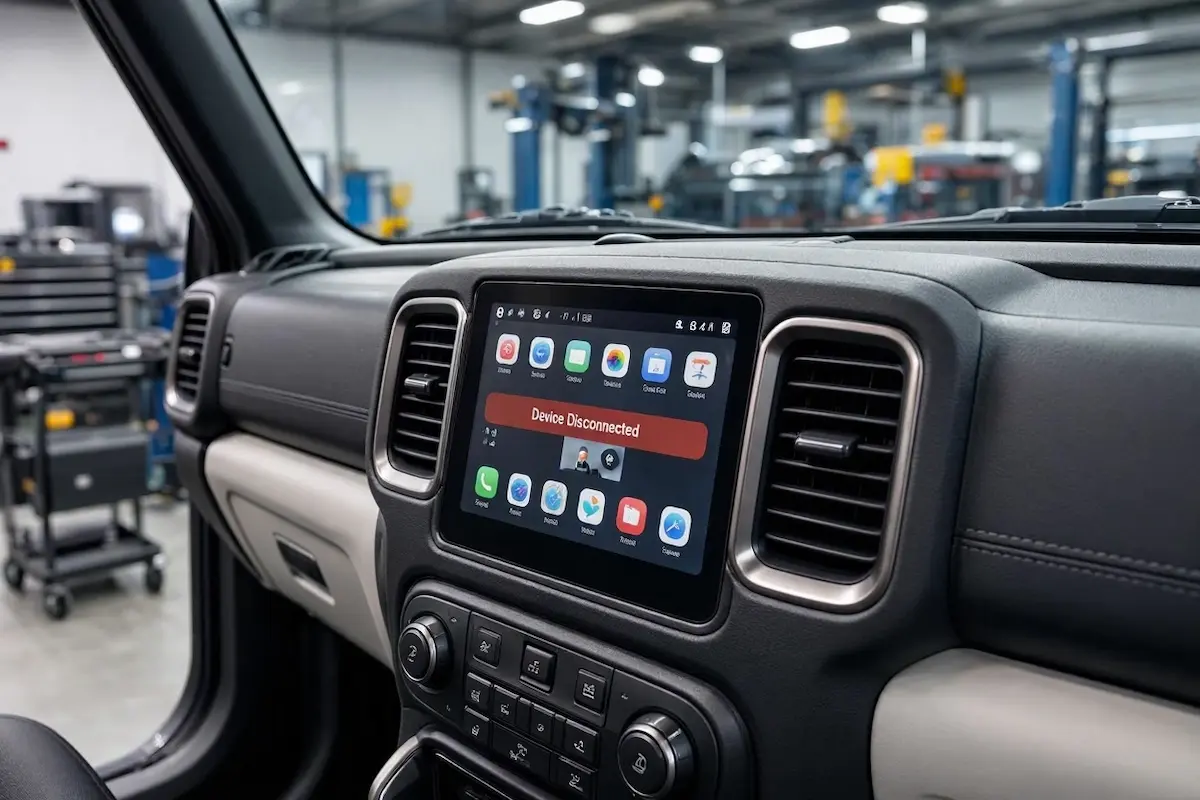
Diagnostic Matrix: Why Uconnect Drops CarPlay
Match your vehicle’s specific symptoms with our workshop matrix. This will help you isolate why your jeep uconnect apple carplay keeps disconnecting before buying replacement parts:
| Observed Connection Symptom | Underlying Uconnect Root Cause | Immediate Workshop Action |
|---|---|---|
| Disconnects over bumps or sharp turns | Failing Media Hub USB port module in the dash. | Inspect the port for physical play; replace the Uconnect Media Hub. |
| “Device Not Supported” error appears on screen | Uconnect system RAM buffer is overloaded. | Perform a soft reset using the Volume and Tune knobs. |
| CarPlay freezes entirely before crashing | Outdated Uconnect firmware struggling with iOS data. | Check for an Over-The-Air (OTA) Uconnect system update. |
| Phone charges, but CarPlay won’t launch | Damaged data pins inside a cheap aftermarket cable. | Switch to an official Apple MFi-certified data cable. |
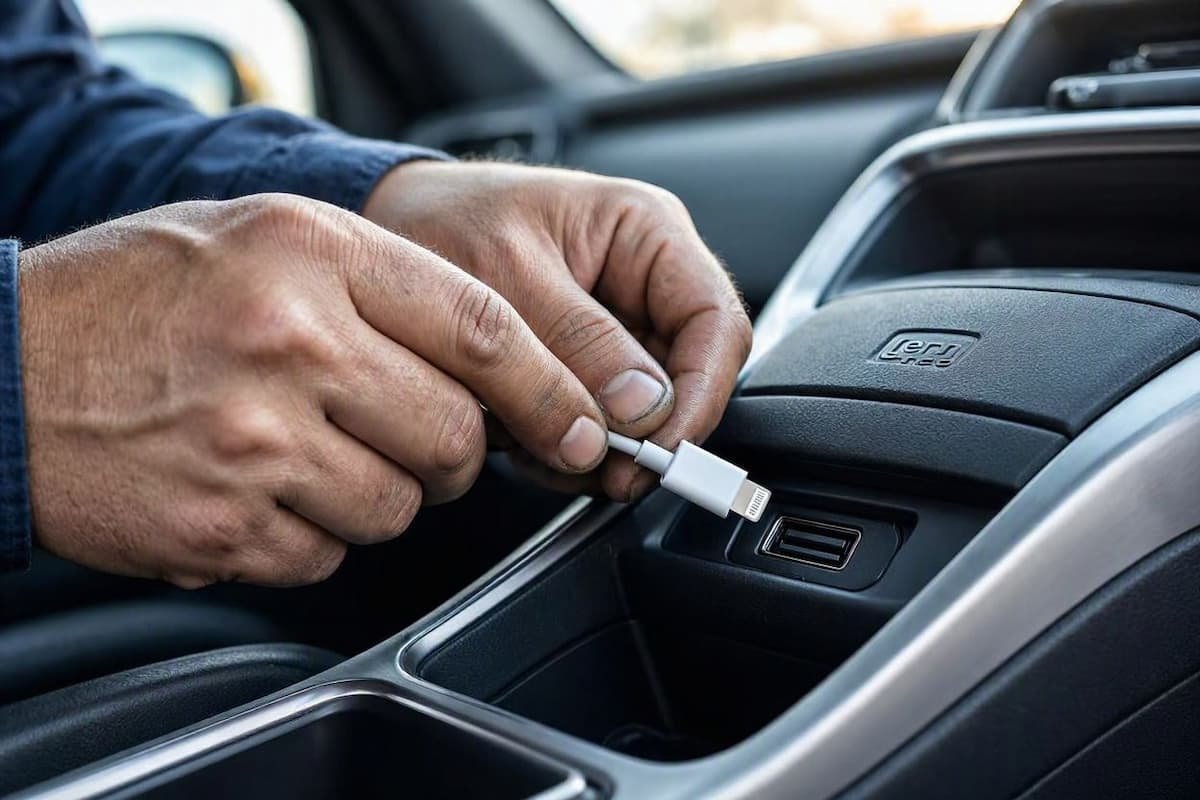
Step 1: Replace the Faulty Uconnect Media Hub
In our workshop, we see hardware failure all the time. The number one mechanical reason a jeep uconnect apple carplay keeps disconnecting is a failing USB Media Hub.
The factory USB ports located on the dashboard of 2018-2023 Jeeps are incredibly fragile. Over time, the internal solder joints break from the stress of plugging and unplugging the cord.
When you hit a pothole, the physical connection briefly drops inside the port. This instantly causes the Uconnect system to kick your phone out of CarPlay mode.
- The Permanent Fix: Do not just buy a new cable. You need to replace the factory Media Hub (Part # 68323663AD).
- You can easily pry out the old plastic media hub with a nylon trim tool. Unplug the wiring harness from the back, and snap a new OEM hub in place.
Step 2: Perform a Uconnect Soft Reset
Just like a smartphone, the Uconnect operating system never truly turns off when you shut off the truck. It simply goes into a low-power sleep state.
Over weeks of driving, the RAM memory fills up with corrupted Bluetooth and CarPlay cache files. A soft reset clears this cache completely.
This simple reboot is a proven way to fix a jeep uconnect apple carplay keeps disconnecting software loop.
- Put your Jeep or RAM in Park and turn the engine ON so the screen boots up.
- Press and hold down BOTH the physical Volume knob and the Tune knob at the same time.
- Keep holding both knobs for about 10 to 15 seconds until the screen goes completely black.
- Release the knobs. The system will reboot, and the Jeep logo will appear. Reconnect your iPhone to test it. You can also read our guide on fixing Apple CarPlay disconnecting issues for more tips.
Step 3: Delete the Uconnect Device Profile
Sometimes, the cryptographic handshake between your iPhone and the Uconnect system becomes corrupted. When this happens, the head unit screen will simply reject the phone data.
This leads to a highly annoying situation where your jeep uconnect apple carplay keeps disconnecting every few minutes.
You need to force both devices to forget each other. This will create a brand-new digital handshake. You can verify this on the Apple CarPlay support page.
- Unplug your iPhone from the vehicle.
- On your Uconnect screen, go to Settings → Phone / Bluetooth → Paired Phones and delete your iPhone.
- On your iPhone, go to Settings → General → CarPlay, select your Jeep/RAM, and tap “Forget This Car”.
- Turn off the vehicle, open the driver’s door, and restart the engine before plugging the phone back in.
Step 4: Update the Uconnect Firmware
Stellantis frequently releases Over-The-Air (OTA) software updates for the Uconnect system. These updates patch critical bugs that cause projection software to crash.
Outdated software is a hidden reason why a jeep uconnect apple carplay keeps disconnecting without warning.
- Ensure your vehicle has a strong cellular signal or connect it to a Wi-Fi network.
- Go to Settings → System Information → Software Update.
- If an update is available, follow the on-screen prompts to install it. Keep the engine running during the flash.
Step 5: Clean the Port and Use an MFi-Certified Cable
The Jeep data bus requires a steady flow of high-speed data for 60fps mapping. Cheap gas station cables will overheat and cause resistance spikes.
The Uconnect system detects this voltage drop. It will immediately drop the connection to protect the expensive mainboard.
- Use a Certified Cable: Swap your cord for an original Apple OEM cable or a high-quality Apple MFi-certified cord. Keep the cable under 3 feet long.
- Clean Your iPhone Port: Pocket lint gets compacted at the bottom of your iPhone’s charging port. Use a wooden toothpick to gently scrape out any compacted lint blocking the pins.
Frequently Asked Questions (FAQ)
Why does my Jeep Uconnect drop CarPlay when I hit a bump?
This is almost always a hardware issue with the USB Media Hub in the dashboard. The internal solder joints weaken over time. When the vehicle vibrates over a bump, the connection breaks. Replacing the Media Hub module will fix this instantly.
How do I reset my Jeep Uconnect 8.4 screen?
To perform a soft reset and clear the memory cache, press and hold the physical Volume knob and the Tune/Scroll knob simultaneously. Keep holding them for about 10 to 15 seconds. Release them when the screen goes black, and wait for the system to reboot.
Does a bad USB cable really cause CarPlay to disconnect?
Yes, absolutely. CarPlay requires a massive amount of high-speed data to project a live video feed to your dashboard. Cheap, uncertified cables lack the proper shielding and bandwidth, causing data bottlenecks that force the Uconnect system to crash the connection.