
Android Car Stereo Factory Settings Passwords: Master List (100% Working)
Locked out of your car stereo engineering menu? Find working master factory settings passwords and developer PINs for Allwinner, Topway TS10/TS18, XY Auto, and FYT platforms to adjust CANbus protocols safely.

Finding the correct android car stereo factory settings passwords is essential when you need to access hidden developer options, calibrate steering wheel controls, or modify low-level hardware parameters on an aftermarket head unit.
Most Android head units running Allwinner, Topway, XY Auto, or UIS platforms restrict system-level settings behind a 4-digit or 6-digit passcode. Entering this secret PIN allows you to reconfigure CANbus decoders, swap boot logos, switch camera video signals, and resolve audio amplifier mismatches.
Whether you need to resolve wireless disconnects or reconfigure core hardware decoders, having the right android car stereo factory settings passwords gives you full control over your dashboard system.
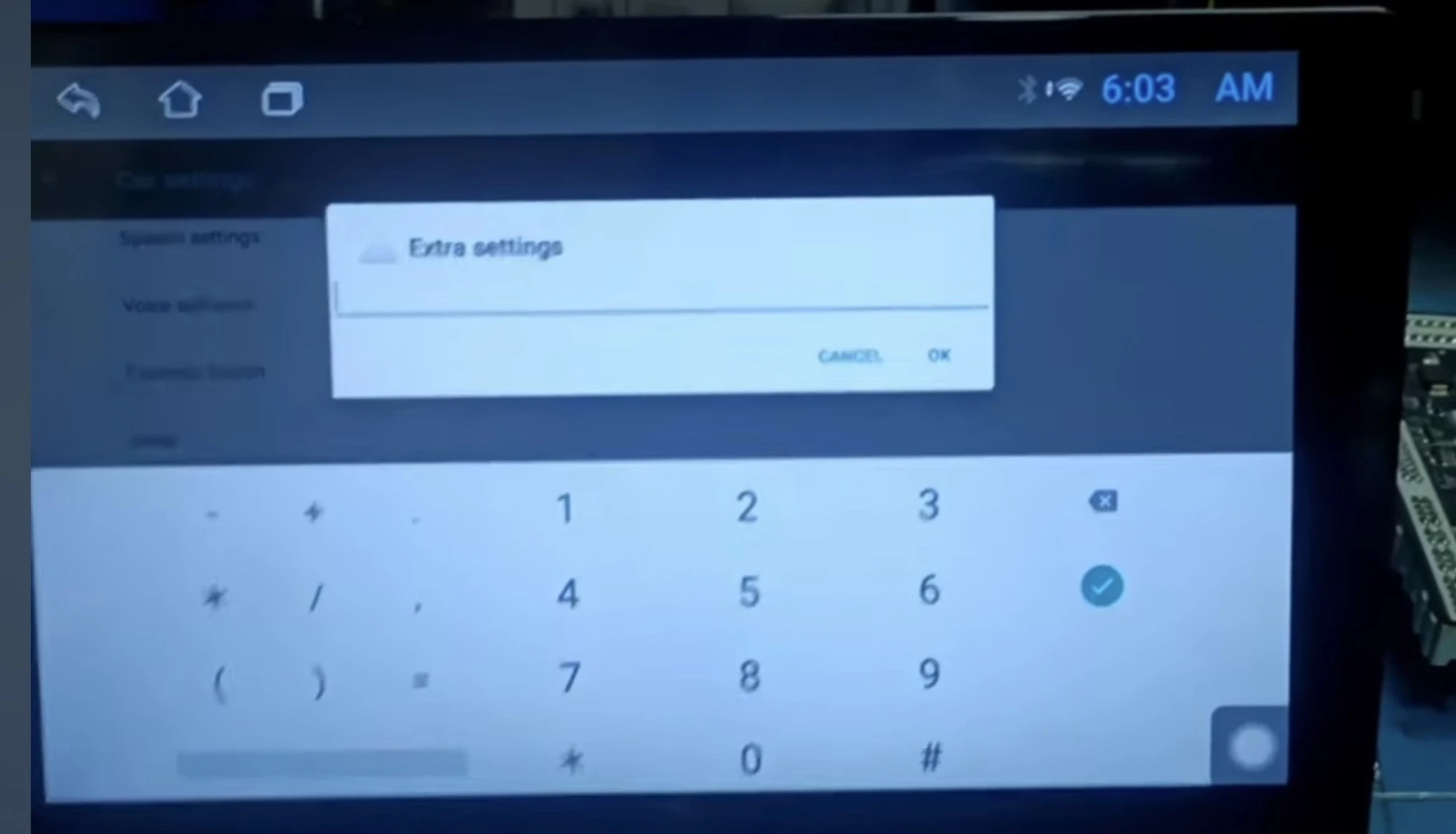
Android Car Stereo Factory Settings Passwords by Chipset
Because aftermarket stereos are sold under hundreds of white-label brands (such as Woodman, Foxfire, Geesonic, or generic unbranded units), the passcode is always tied to the internal motherboard processor rather than the brand name stamped on the plastic bezel.
We compiled this master lookup table of working android car stereo factory settings passwords after bench-testing dozens of Topway, Allwinner, and FYT motherboards in our workshop:
| Platform / Processor Board | Master Passwords (Try in order) | Core Capabilities Unlocked |
|---|---|---|
| Allwinner T3 / T3L | 123456, 1617, 1234, 000000 | Car boot logo, CANbus protocol, UI skin styles. |
| Allwinner T5 / T507 | 1617, 16176699, 123456 | 5GHz Wi-Fi toggles, Key 1/Key 2 learning, DSP options. |
| Topway (TS7, TS8, TS10, TS18) | 8888, 123456, 7890, 000000 | 360 panoramic camera, Touch digitizer recalibration. |
| XY Auto (YT9216B, YT9218) | 8888, 5678, 1617, 0000 | Reverse camera format (AHD/CVBS), Backlight dimming. |
| FYT Platform (UIS7862 / UIS8581) | 3368, 8888, 126, 0000 | MCU configuration, Physical touch button backlight color. |
| MediaTek (MTK 8227L / 8257) | 8888, 1617, 5678, 000000 | USB 2.0 protocol toggle, Touch screen boundary mapping. |
| Generic / Cloned Chinese Units | 3368, 1688, 3545, 7788 | System master wipe, Debug console logging. |
⚠️ Crucial Workshop Warning: Never alter MCU types or CANbus protocols randomly. Changing internal communication protocols without matching your physical wiring will disable your reverse camera trigger lines, steering wheel controls, and sound amplifier entirely.
RELATED TROUBLESHOOTING GUIDE
Developer Options & Factory Reset PIN Codes
Many head units use separate authentication codes for general factory settings versus low-level Developer Options or a complete system wipe.
Many technicians search for android car stereo factory settings passwords specifically to unlock USB debugging or recover from severe app crashes. If the main board codes above fail to open developer USB debugging, try these universal PIN sequences:
| Target System Menu | Universal Access Codes | Typical Workshop Application |
|---|---|---|
| Developer Options Menu | 7890 + current hour, 8888, 123456 | USB debugging, ADB log capture, animation scale speeds. |
| Factory Master Reset | 7890, 0000, 1234, 1111 | Wiping user partitions and clearing persistent app bootloops. |
| CANbus Protocol Setup | 8888, 1617, 3368 | Matching steering buttons and optical parking sensors. |
Want to personalize your dashboard startup screen after unlocking these menus? Read our simple workshop walkthrough on how to change the boot logo in an Android car stereo.
Step-by-Step: How to Enter Factory Settings
Applying custom hardware configurations requires unlocking the engineering prompt without triggering defensive lockout timers.
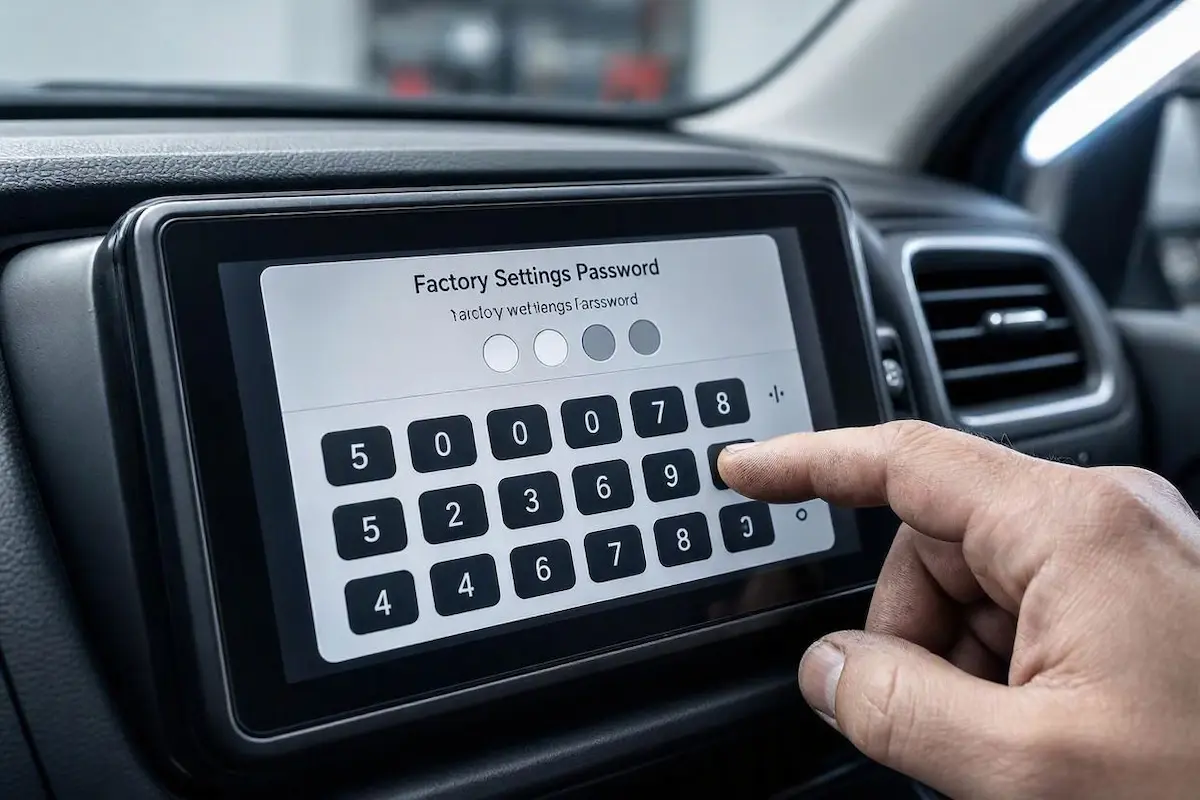
Follow these steps to access and apply custom hardware configurations safely:
- Power on your car ignition and allow the Android system to fully boot to the home launcher screen.
- Open the Settings application from the app drawer (use the native Android settings menu, not a customized third-party skin).
- Navigate to Car Settings, System Settings, or Extra Settings.
- Locate and tap on Factory Settings (or Developer Options).
- When the numeric keypad appears, enter the matching android car stereo factory settings passwords from our tables above and tap Confirm or OK.
- If a code is rejected, reboot your head unit once before testing the next sequence to prevent temporary input lockout timers.
RELATED TROUBLESHOOTING GUIDE
Top 3 Crucial Settings You Should Optimize
Once unlocked using verified android car stereo factory settings passwords, avoid modifying unknown values blindly. Focus exclusively on these performance-critical settings:
- Switch Hotspot Frequency to 5 GHz: Budget head units default their Wi-Fi chipsets to 2.4 GHz, which suffers from severe packet loss near city radar. If your navigation drops out mid-commute, switch the hotspot to 5.0 GHz. For full optimization steps, review our fix for wireless Android Auto disconnection issues.
- Fix Backup Camera “No Signal” or Black Screen: If your aftermarket reverse camera shows static lines or a blank screen when shifting into reverse gear, change the video standard in Backcar Settings from AHD 1080P/720P to standard CVBS (NTSC/PAL). If your camera still does not trigger, follow our complete walkthrough to fix reverse camera no signal on Android car stereo.
- Reset USB Protocol for Phone Mirroring: USB data handshakes often hang if the operating system defaults to charge-only mode. If your screen freezes on phone linking, consult our steps on fixing Zlink not connecting on Android car stereo.
Warning: Factory Settings You Must Never Touch
Before testing different android car stereo factory settings passwords to unlock deeper menus, keep in mind that modifying underlying hardware values without a backup can soft-brick your motherboard.
Always take a clear smartphone photo of your original parameters before toggling these critical options:
- Do Not Change MCU Type: Modifying the microcontroller unit (MCU) version without matching firmware will permanently disable your physical buttons, steering wheel controls, and touch digitizer.
- Do Not Alter Radio IC Model: If you select an incorrect tuner chip (such as switching from TDA7708 to TEF6686), your FM/AM radio tuner will output continuous white static noise.
- Avoid Blind Screen Resolution Scaling: Setting a display resolution that exceeds your LCD panel’s native matrix will cause permanent black-screen bootloops that require hardware test-point recovery.
Keeping a verified list of android car stereo factory settings passwords on hand ensures you can safely reconfigure video inputs, stabilize Wi-Fi frequencies, and adjust CANbus decoders whenever system errors arise.
If you encounter unsupported firmware versions or rare proprietary mainboards, verify your chipset build through community repositories like the XDA Developers Android Head Units Forum before executing destructive hardware changes.
Frequently Asked Questions (FAQ)
What should I do if none of these android car stereo factory settings passwords work?
If none of the default passcodes unlock your system, your vendor may have applied a custom distributor PIN. Check the build number under Settings → System → About to identify your vendor board, or connect a physical USB keyboard and access standard recovery menus to identify the core MCU build.
What is the secret developer options password for Topway TS10 units?
For Topway TS10 and TS18 head units, the developer password is often time-dependent: enter 7890 immediately followed by the current hour in 24-hour format (for example, at 3:00 PM enter 789015). If that does not work, use 8888 or 123456.
Can resetting factory settings fix persistent app crashes?
Yes. Performing a system reset clears corrupted runtime caches and misconfigured CANbus profiles. However, make sure you know your screen’s touch calibration coordinates and retain your primary android car stereo factory settings passwords to restore steering controls after the wipe.
Where can I find verified firmware files for my specific board?
If you need to flash original firmware or recover a soft-bricked system, cross-reference your motherboard number on trusted enthusiast forums such as the XDA Developers Android Head Units Forum to download safe MCU images.
[…] Open your stereo application drawer and go to Settings > Car Settings > Factory Settings. (If your unit asks for an access code, check our comprehensive list of Android Car Stereo Factory Settings Passwords). […]
[…] मशीन का पासवर्ड नहीं पता है, तो हमारी Android Car Stereo Factory Settings Passwords वाली पोस्ट यहाँ […]