Android Auto Google Maps Dark Mode Not Working: Best Fixes
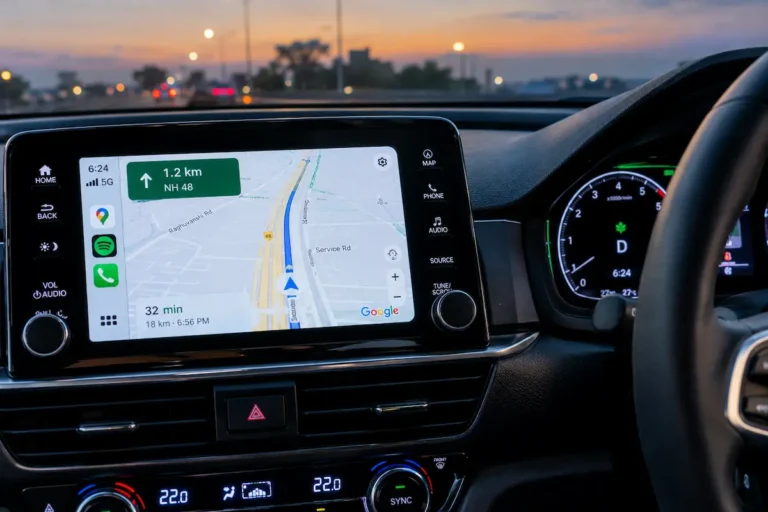
Fix Android Auto Google Maps stuck in day or night mode by troubleshooting vehicle illumination wire voltage triggers, developer day/night overrides, and phone display theme sync.

Fix Android Auto Google Maps stuck in day or night mode by troubleshooting vehicle illumination wire voltage triggers, developer day/night overrides, and phone display theme sync.
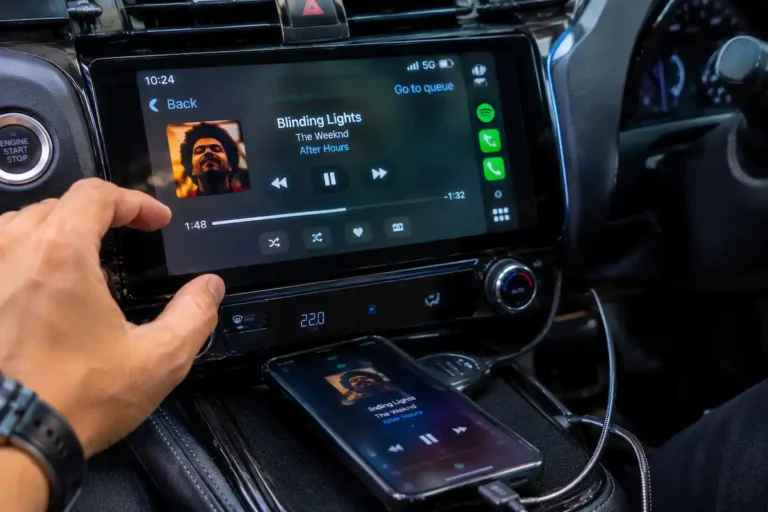
Fix Android Auto audio stuttering and cutting out by disabling aggressive battery optimization, resolving dual Bluetooth/Wi-Fi routing conflicts, and adjusting audio buffer packet loss.
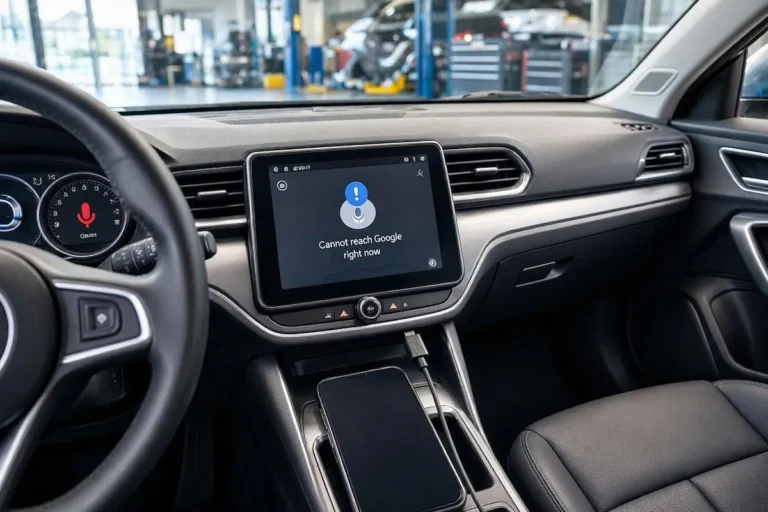
Google Assistant says "I didn't catch that" or callers can't hear your voice in Android Auto? Learn how to fix Android microphone permissions, resolve vehicle roof mic hardware conflicts, toggle Bluetooth audio profiles, and clear Play Services cache.

Google Maps or Waze showing a yellow banner saying "Searching for GPS" while driving? Learn how to disable aggressive battery optimization, toggle Precise Location, prevent vehicle-phone GNSS antenna clashes, and clear navigation cache.
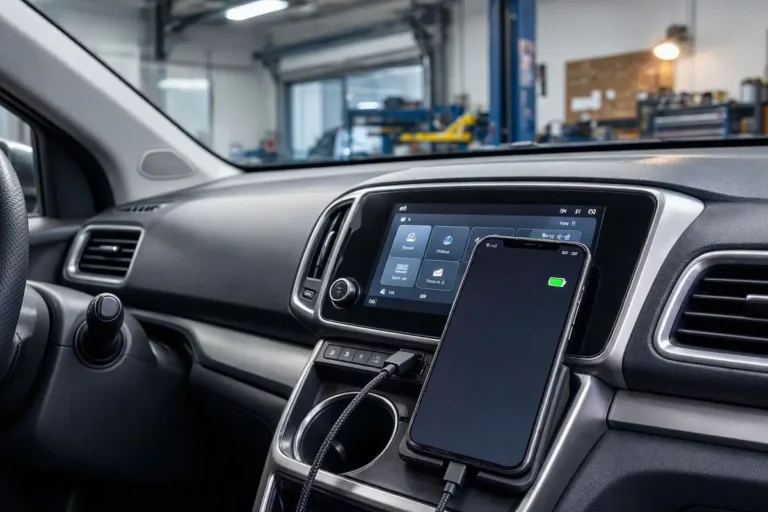
Phone battery icon turns green and charges smoothly, but Android Auto refuses to launch on your car screen? Learn how to identify charge-only cables, configure Android default USB settings, extract compacted USB-C port lint, and bypass unpowered dashboard USB ports.
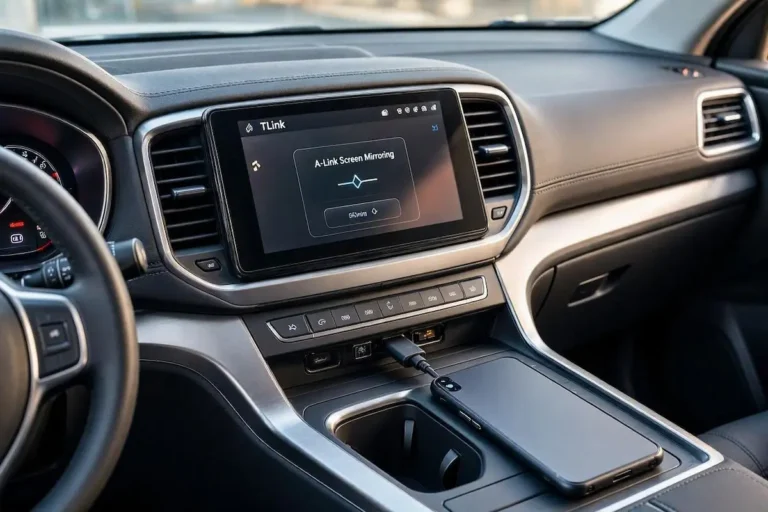
Connecting your Android phone only to see TLink launch screen mirroring instead of real Android Auto? Learn why cheap stereo licenses restrict Android Auto, how to check MCU switches, and how to bypass TLink using Headunit Reloaded.

Wireless Android Auto refusing to load on your dashboard? Learn why smartphone deep sleep kills projection tokens, how stereo fast-boot traps stale Wi-Fi sockets, and how to fix ZLink connection loops permanently.
Tired of your car stereo audio lagging 1 to 2 seconds behind navigation prompts and music controls? Learn how to trim wireless media buffers, reconfigure Bluetooth AVRCP, and fix Android Auto sound latency permanently.
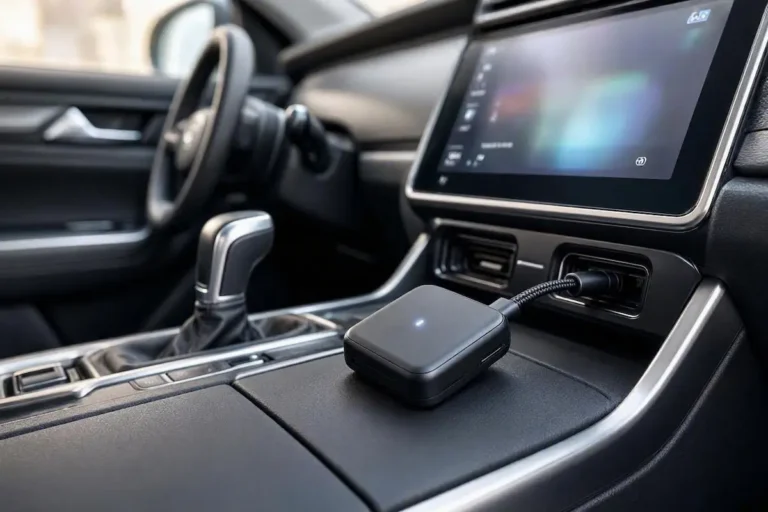
Struggling with an AAWireless dongle that keeps dropping connection or freezing on blinking green? Follow our workshop technician guide to decode hardware LED codes, configure Passthrough mode, and lock clean 5 GHz Wi-Fi channels.
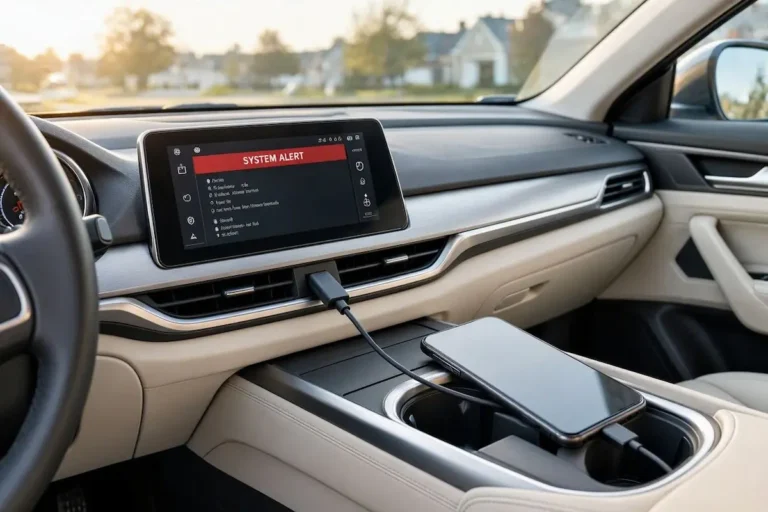
Encountering Android Auto communication error 16 with a red screen on your car stereo? Follow this workshop guide to remove Dual App sandbox conflicts, flush Play Services tokens, and restore screen projection.