Android Car Stereo Bluetooth Wont Turn On: 5 Best Proven Workshop Fixes
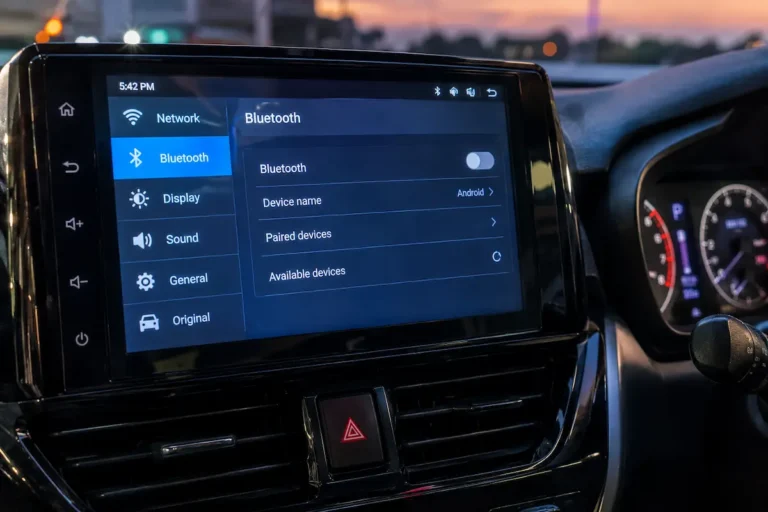
Fix an Android car stereo where the Bluetooth toggle won't turn on or remains greyed out by troubleshooting MCU module settings, antenna leads, and hardware daemon caches.

Fix an Android car stereo where the Bluetooth toggle won't turn on or remains greyed out by troubleshooting MCU module settings, antenna leads, and hardware daemon caches.
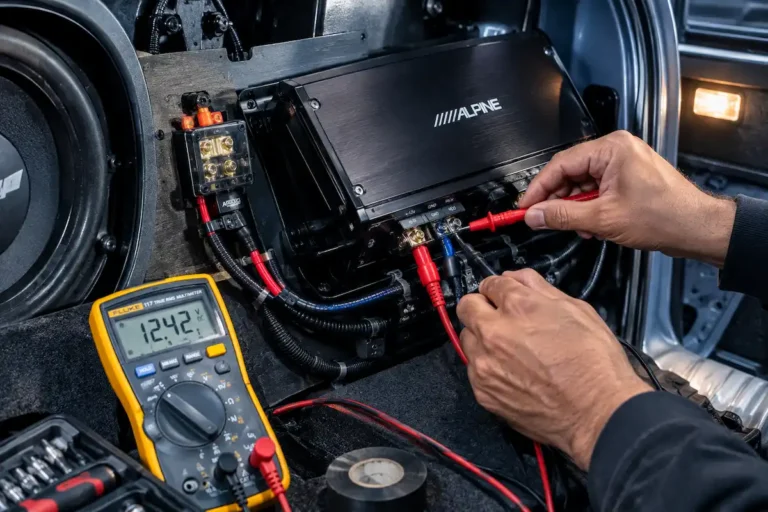
Fix an aftermarket car amplifier that remains powered on with the ignition key turned off by diagnosing remote turn-on line shorts, auto-sense DC offset switches, and stuck relays.
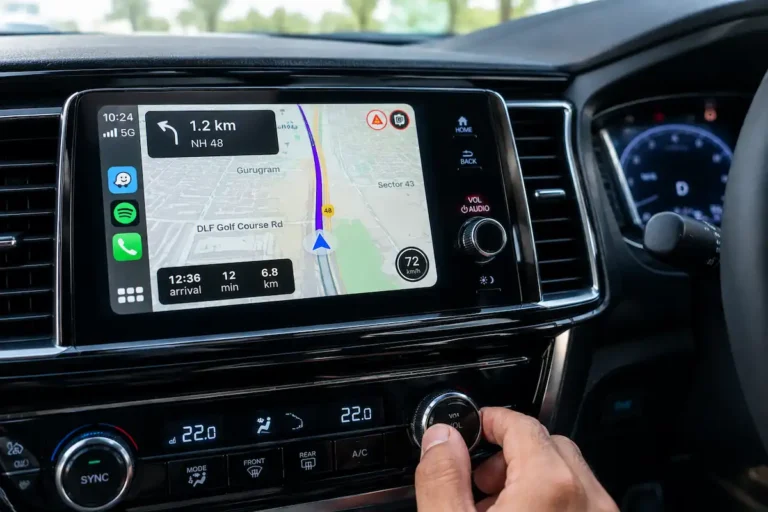
Fix Apple CarPlay Waze navigation without sound, silent police alerts, and missing speed camera warnings by troubleshooting iOS audio routing, prompt volumes, and Bluetooth focus.
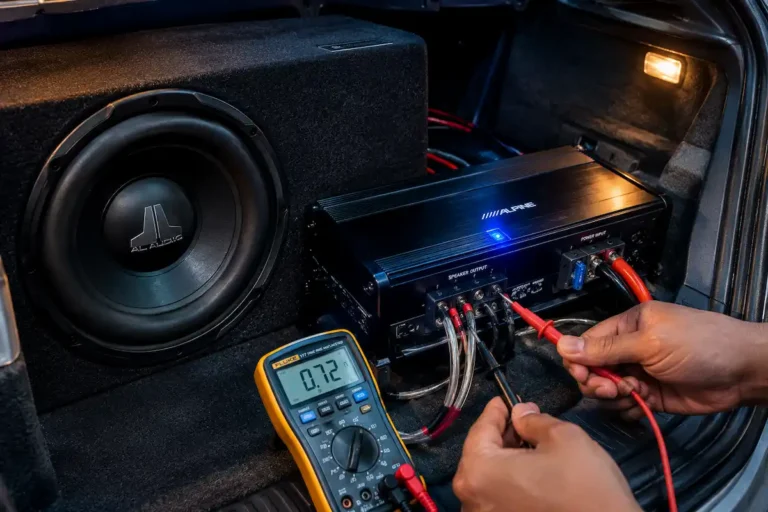
Diagnose why a car subwoofer is completely silent even though the amplifier power light is on by troubleshooting head unit sub pre-outs, voice coils, and crossover frequencies.
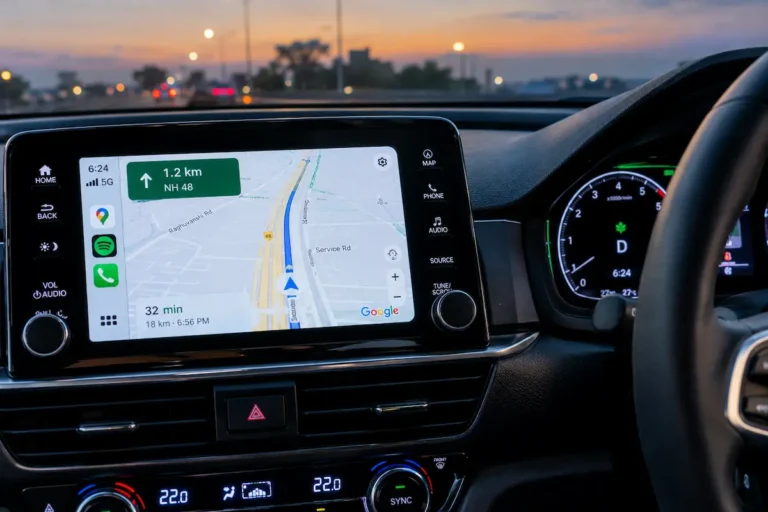
Fix Android Auto Google Maps stuck in day or night mode by troubleshooting vehicle illumination wire voltage triggers, developer day/night overrides, and phone display theme sync.
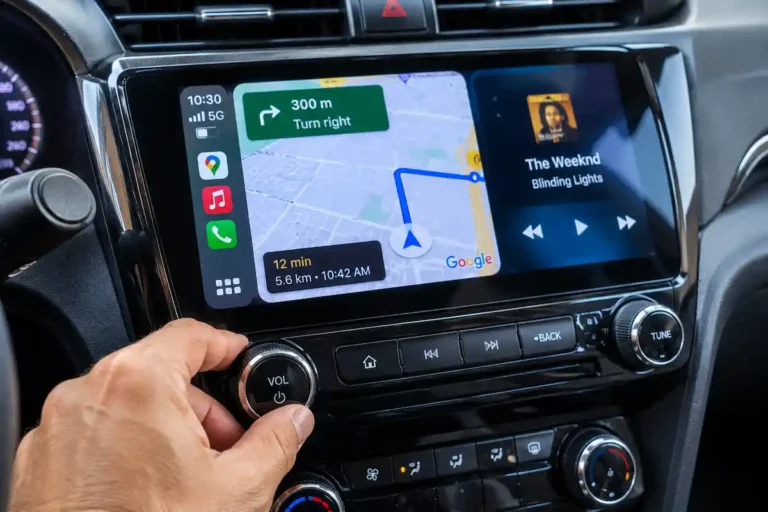
Fix Google Maps voice directions being silent on Apple CarPlay by adjusting navigation audio channels, disabling Bluetooth phone call emulation, and raising prompt volume.
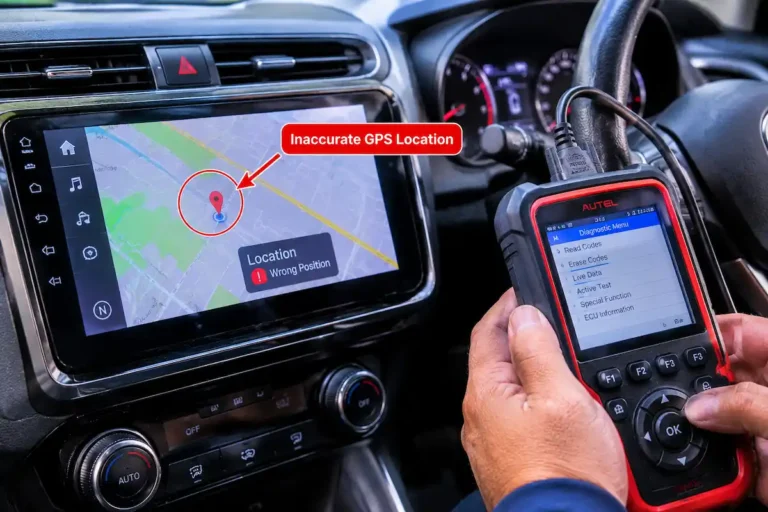
Fix car navigation showing the wrong location after battery replacement by forcing a cold GPS almanac download, recalibrating dead reckoning gyros, and fixing RTC clock sync.
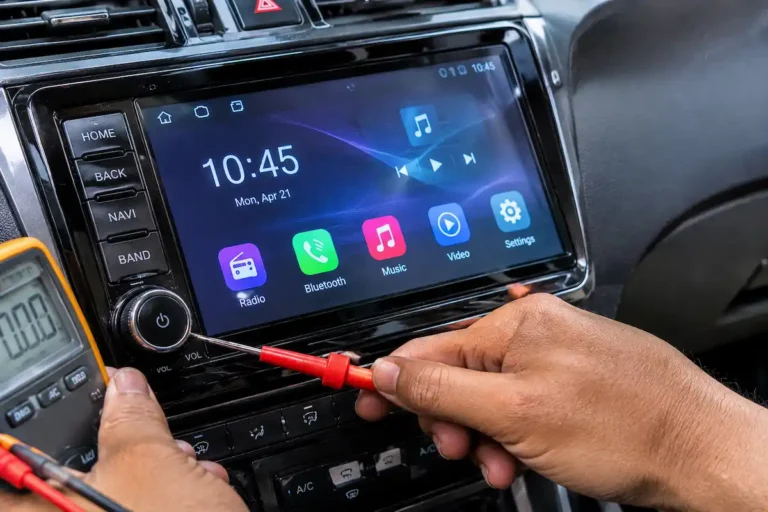
Fix car stereo buttons not working by diagnosing faceplate ribbon cable continuity, recalibrating MCU key-study resistor matrices, and testing ground circuit offsets.
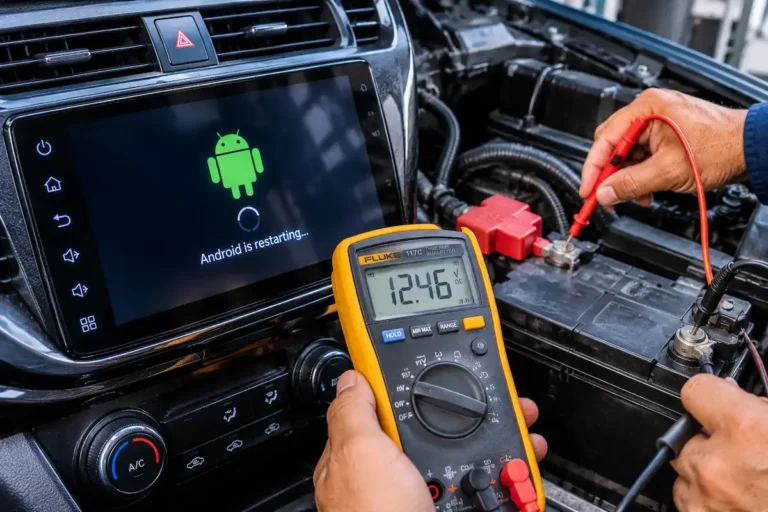
Fix car stereo turning off when starting the engine by isolating starter motor voltage drops, configuring ACC ignition relays, and testing battery ground resistance.
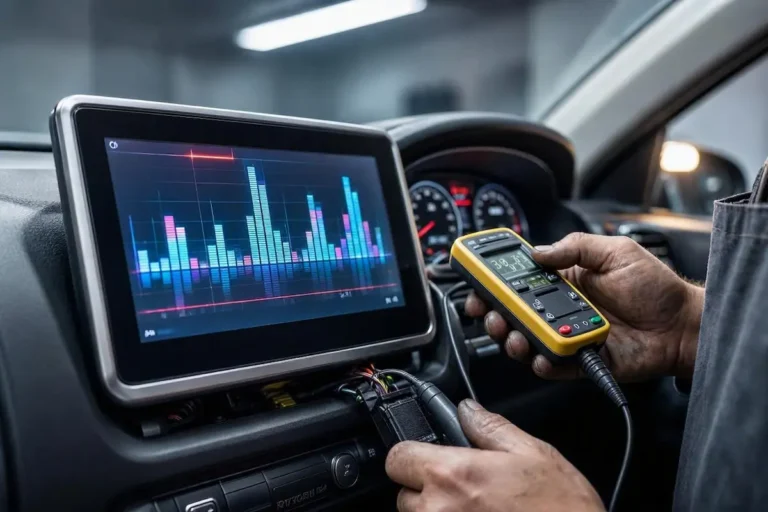
Fix car stereo sound cutting out at high volume by resolving speaker impedance mismatch, upgrading ground wiring gauge, and stopping internal thermal shutdown.