
Reverse Camera No Signal on Android Car Stereo: 5 Proven Fixes (100% Working)
Shifting into reverse only to see a black screen, static lines, or a yellow triangle? Learn why AHD video formats clash with CVBS, how to trace the pink trigger wire, and how to fix reverse camera no signal errors.

Getting an unexpected reverse camera no signal error on your aftermarket Android stereo is one of the most annoying glitches when backing out of a tight parking spot.
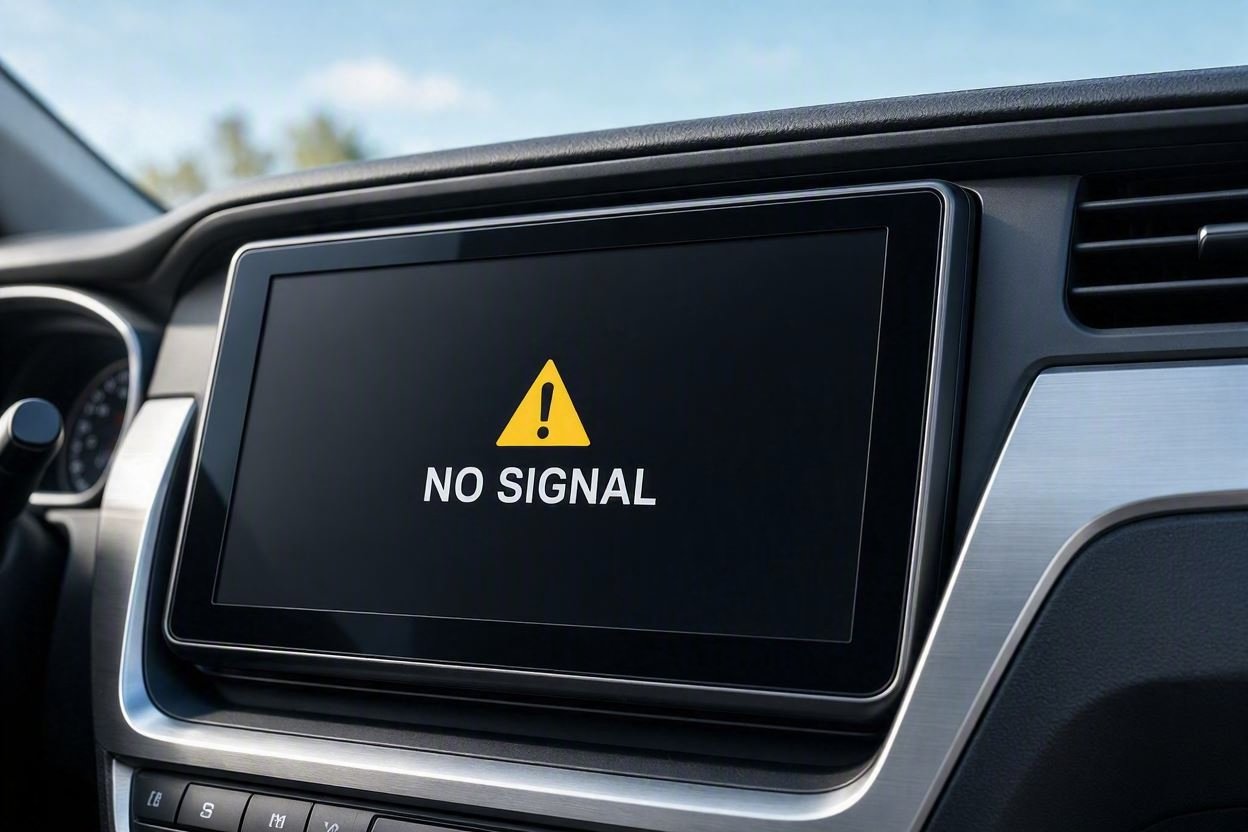
You shift into reverse expecting a clear rear view, but all you see is a pitch-black display, rolling static lines, or a yellow exclamation triangle warning.
In over 85% of installations across Allwinner, Topway, XY Auto, and TS10 head units, this problem is triggered by an AHD/CVBS video format mismatch, an unconnected 12V reverse trigger wire, or the RCA cable plugged into the wrong input port behind the dashboard.
Here is how our workshop technicians resolve a persistent reverse camera no signal glitch and restore a crystal-clear rear camera feed on your display.
Quick Diagnostic: Reverse Camera No Signal Symptoms & Root Causes
Match your dashboard display’s physical behavior to the underlying electrical fault before pulling trim panels:
| Observed Screen Symptom | Underlying Hardware Root Cause | Instant Workshop Fix |
|---|---|---|
| Black screen with static parking lines | Video format mismatch (AHD vs CVBS standard). | Switch camera format in stereo Factory Settings. |
| Screen stays on home launcher in reverse | Missing 12V reverse trigger pulse to the radio. | Splice pink “BACK” wire to reverse bulb +12V lead. |
| Yellow exclamation mark / “No Video Signal” | RCA plugged into wrong port or loose chassis ground. | Move yellow cable to dedicated “CAM IN” RCA socket. |
| Works on accessory, cuts out when engine starts | PWM voltage ripple from vehicle alternator/CANbus. | Install an inline 12V DC power capacitor filter relay. |
| Flickering rolling horizontal grey lines | 50Hz vs 60Hz PAL/NTSC refresh rate conflict. | Match video frequency timing in engineering menu. |
Step 1: Change Video Format to Fix Reverse Camera No Signal
The single most common reason behind a blank screen or rolling static feed is an internal video protocol mismatch.
Modern Android head units support high-definition Analog High Definition (AHD 720p or 1080p) signals, whereas traditional aftermarket and factory cameras run on older CVBS (NTSC or PAL) analog standards.
If your stereo is configured to decode an AHD feed but receives an analog CVBS signal, it triggers an immediate reverse camera no signal lockout screen:
- Open your stereo application drawer and go to Car Settings → Factory Settings. (If your unit prompts for a developer PIN, verify it using our master list of Android car stereo factory settings passwords).
- Locate the menu named Backcar Settings, Reversing Setup, or Video Protocol.
- Toggle the video input mode step-by-step between CVBS-NTSC, CVBS-PAL, AHD 720P 25fps, and AHD 1080P 25fps.
- Save the setting after each change, let the unit reboot, and shift into reverse gear to test if your reverse camera no signal screen clears up.
⚠️ Workshop Precaution: Never leave cheap backup cameras wired to permanent +12V accessory power. Standard reverse camera sensors are built for intermittent 30-second duty cycles. Supplying continuous ignition power causes sensor overheating and permanent camera failure within a few months.
Step 2: Inspect the 12V Reverse Trigger Wire Connection
Your head unit will not automatically switch from the launcher to the camera display unless it receives a physical 12V pulse telling it that reverse gear is engaged.
Without this trigger pulse, shifting gears will display nothing at all, trapping the unit in a persistent reverse camera no signal state:
- Slide the head unit out of the dashboard fascia and inspect the main power harness loom.
- Look for a wire labeled “BACK”, “REVERSE”, or “REVERSE-IN” (typically color-coded pink or brown).
- Make sure this wire is securely spliced to the short red trigger pigtail wire emerging from the yellow RCA video cable.
- At the rear bumper, confirm that the camera’s red power lead is tapped directly into the positive (+12V) feed of your reverse tail light bulb, with the black ground wire bolted firmly to bare chassis steel.
RELATED TROUBLESHOOTING GUIDE
Step 3: Verify the Dedicated RCA Video Input Port
Android car stereos include a large bundle of RCA leads behind the heatsink for auxiliary screens, front cameras, subwoofers, and video feeds.
Plugging the rear camera into the wrong female RCA socket is an extremely common DIY installation mistake. Connecting to an incorrect port bypasses automatic reverse-switching logic and generates a false reverse camera no signal alert:
- Carefully inspect the printed identification tags attached to each RCA lead on your auxiliary harness.
- The camera cable must strictly be connected to the port labeled “CAM IN”, “BACK-CAM”, “RCAM”, or “REVERSE VIDEO”.
- Never plug the backup camera into ports marked “AUX VIDEO IN”, “CVBS IN”, or “VIDEO OUT”, as these ports do not trigger upon reverse gear engagement.
Step 4: Check CANbus Protocol for Modern Vehicles
If your car uses an integrated digital decoder box to communicate steering wheel controls and gear status over the vehicle’s CAN bus network, the physical pink trigger wire is bypassed entirely.
When the CANbus decoder is set to the wrong protocol, the stereo never realizes you engaged reverse gear, leaving you with a blank display or a reverse camera no signal message:
- Navigate to Settings → Factory Settings → CANBUS Protocol.
- Match the brand stamped on your physical CANbus adapter box (such as Hiworld, Raise, Simple Soft, or XP).
- Select your exact car make, model, and manufacturing year, save changes, and allow the system to complete a full reboot.
RELATED TROUBLESHOOTING GUIDE
Step 5: Rule Out PWM Voltage Ripple & Water Ingress
Does your camera work when the key is on accessory mode, but cuts into rolling lines the moment you start the engine? Modern vehicles utilize Pulse Width Modulation (PWM) on reverse bulb circuits, creating electrical hash that starves aftermarket camera sensors.
Eliminating voltage ripple and moisture solves stubborn reverse camera no signal hardware issues:
- Install a 12V Power Relay Filter: Adding a simple inline 12V DC power capacitor filter between the reverse bulb and the camera smooths out alternating voltage spikes, guaranteeing a clean video feed without dropouts.
- Inspect for Water Ingress: Lenses mounted near the license plate endure road spray and high-pressure jet washes. If you notice internal fogging or your multimeter measures 12V at the camera tail with zero video signal reaching the dash, replace the sensor with an IP68-rated waterproof unit.
Resolving an irritating reverse camera no signal problem rarely requires purchasing a whole new stereo system.
In more than 85% of our workshop repairs, switching between AHD and CVBS formats in Factory Settings or properly connecting the 12V pink trigger wire permanently eliminates the reverse camera no signal screen and restores clear rear visibility.
Frequently Asked Questions (FAQ)
Why does my car screen show a yellow warning triangle in reverse?
A yellow exclamation triangle indicates that the stereo’s trigger wire detected reverse gear correctly, but no video stream is reaching the dedicated input port, leaving you with a reverse camera no signal error. Check for a loose yellow RCA plug, an ungrounded negative wire, or a blown reverse light fuse.
Why does the reverse camera work on accessory power but goes black when the engine starts?
Modern vehicles use Pulse Width Modulation (PWM) on tail lamp circuits to extend bulb life. When the engine starts, the alternator introduces electrical pulses that cause voltage drops below the camera’s operating threshold. Installing an inline 12V DC power capacitor filter completely resolves this issue.
Why does my reverse camera display horizontal rolling lines across the screen?
Horizontal rolling lines indicate electrical interference from the alternator or an incorrect PAL/NTSC refresh rate (50Hz vs 60Hz). Adjust the video frequency settings under the Backcar menu in Factory Settings, or install a 12V line noise filter relay behind the reverse light bulb.