
GMC Sierra Infotainment Black Screen Fix: 4 Expert Solutions
Learn how to fix a GMC Sierra infotainment black screen issue using hard power resets, fuse checks, and software memory clears.

Gmc sierra infotainment black screen fix is something every truck owner looks for when their massive dashboard touchscreen remains stubbornly dead and pitch black.
When your GMC Sierra infotainment black screen failure hits, you lose your backup camera, climate control touch buttons, audio system, and navigation all at once.
In our workshop, when truck owners ask for a reliable gmc sierra infotainment black screen fix on their dashboard, we troubleshoot this exact electrical blackout on Sierra 1500, 2500HD, and Denali models running the advanced Infotainment 3 system every single week.
Most truck owners panic, assuming the entire radio computer board has fried and bracing themselves for a massive dealership repair bill.
Working on these GM electrical systems day in and day out, I can tell you that 90% of sudden black screen conditions requiring a gmc sierra infotainment black screen fix are caused by a locked-up QNX operating system thread, a tripped infotainment fuse, or a temporary power-state hang in the Body Control Module (BCM).
Before you let anyone talk you into an expensive head unit replacement, let’s walk through how to force power back to your display with our proven gmc sierra infotainment black screen fix guide.
Table of Contents
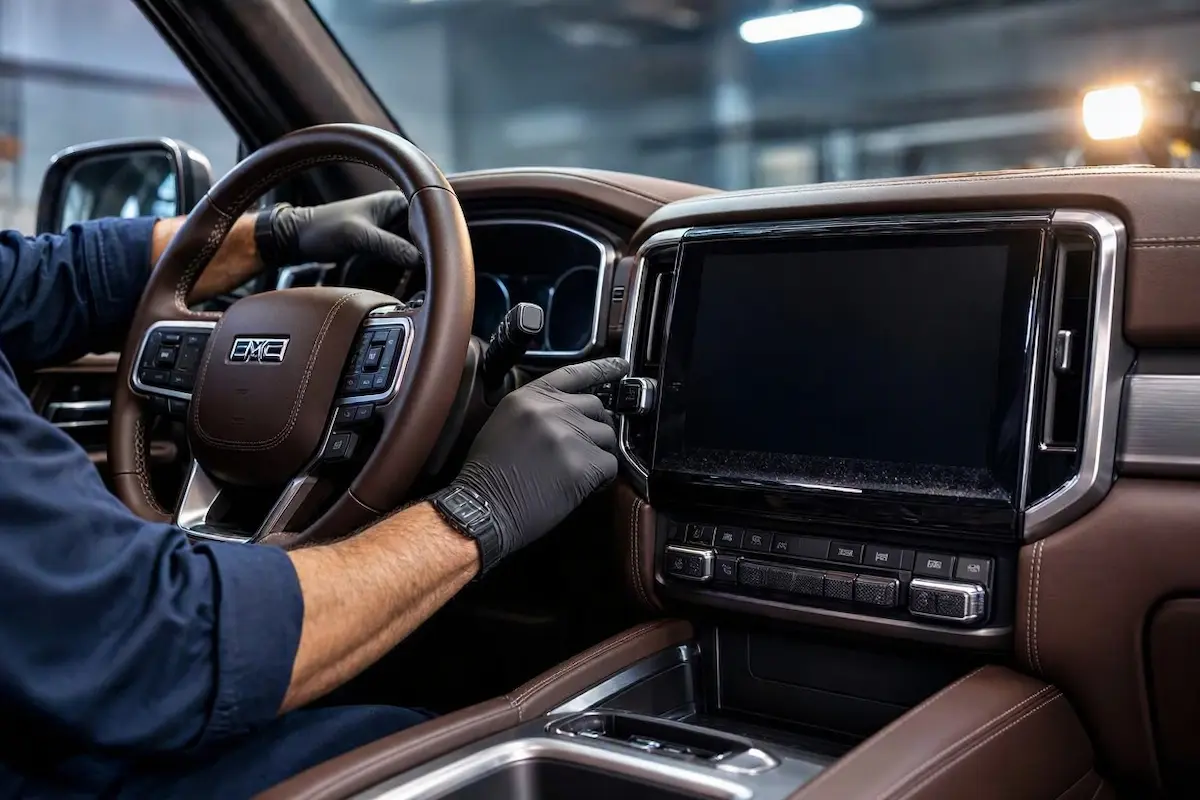
Why Your GMC Sierra Infotainment Black Screen Happens (And The Best Gmc Sierra Infotainment Black Screen Fix)
Match your truck’s behavior to pinpoint the exact electrical or software culprit:
| Truck Display Symptom | The Root Cause | Workshop Fix |
|---|---|---|
| Screen stays black even after restarting the engine, but instrument cluster works | Infotainment operating system frozen in a deep background sleep loop | Perform a physical button hard reboot to dump the memory buffer |
| Screen is completely dead, and radio buttons/volume knob lights are unlit | Blown accessory power fuse or tripped infotainment relay circuit | Inspect and replace the designated interior fuse box infotainment fuse |
| Screen flickers white for a second before going black and staying off | Low vehicle battery voltage or corrupted software flash partition | Check auxiliary battery voltage and perform a hard power cycle |
Fix 1: Force a Manual Infotainment Hard Power Reboot
Modern GMC trucks run complex software builds that occasionally experience memory leaks, causing the display graphics driver to crash while the background processor stays active.
You can force a complete system reload without pulling any physical fuses or tools as a primary gmc sierra infotainment black screen fix.
- Park your truck safely in Park (P) with the ignition switched to the ON position.
- Locate the physical Volume/Power knob and the Fast Forward / Track Skip button on your center console.
- Press and hold both the Volume button and the Fast Forward button down simultaneously.
- Keep holding both buttons firmly for 10 to 15 seconds.
- Release the buttons when the screen suddenly comes back to life, displaying the GMC or Denali startup boot animation.
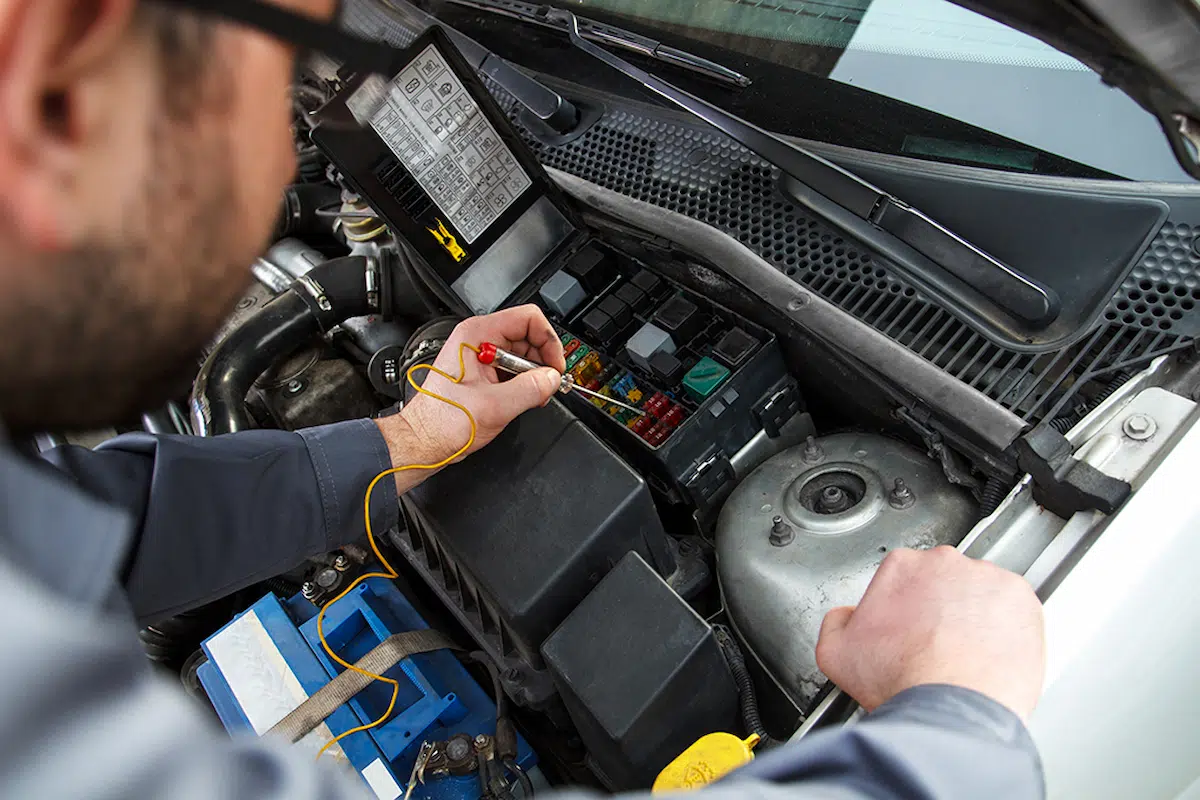
Fix 2: Inspect and Reset the Infotainment Fuse
If a hard button press does nothing and your screen remains completely dark with zero backlight illumination, the display module is likely starved of electrical power.
A power surge or minor electrical spike can trip the dedicated radio fuse. According to official automotive hardware evaluations by Crutchfield Car Audio Guides, checking electrical continuity is essential when applying any gmc sierra infotainment black screen fix.
- Locate your truck’s interior fuse panel (situated under the driver-side dashboard or inside the instrument panel side cover).
- Refer to your owner’s manual diagram to identify the specific fuse dedicated to the infotainment head unit or display screen (typically a 10A or 15A mini fuse).
- Use a fuse puller tool to pull the fuse out, check if the internal metal filament is snapped, and push it firmly back in (or replace it with a fresh one if blown).
- Turn your ignition back on to verify if power is restored to the display panel. You can also review our related guides on troubleshooting similar black screen and audio display faults or check our tips for fixing car stereos that keep restarting unexpectedly.
Fix 3: Perform a Hard Battery Sleep Cycle (BCM Reset)
If the infotainment computer’s power state controller gets locked in an infinite software loop, standard ignition cycles won’t cut power to the module because modern GM trucks keep accessory lines live until the Body Control Module (BCM) goes to sleep.
- Turn off your truck ignition, exit the vehicle, close all doors, and lock the doors with your key fob.
- Step away from the truck and wait for 5 to 10 full minutes. This allows every module on the vehicle’s CAN bus network to completely power down and empty its temporary capacitor charge.
- Unlock the vehicle, open the driver’s door, hop inside, and turn the ignition key to the ON position. The BCM will execute a clean cold boot, waking up your infotainment display. For deeper technical guidelines, you can reference official procedures at the GMC Owner Center. You can also explore our related troubleshooting post on resolving electrical battery drain issues in modern vehicle head units.
⚠️ Workshop Warning: Never disconnect your primary truck battery cables while the ignition switch is turned to the ON position. Doing so can cause massive voltage spikes that permanently fry sensitive computer modules and instrument clusters.
Restoring a dead black screen in your truck doesn’t require an expensive trip to the dealership service bay.
Execute a manual button reboot, check your interior power fuses, or force a complete BCM electrical sleep cycle using our gmc sierra infotainment black screen fix protocol.
Work through these steps methodically, and your luxury display will light right back up.
Related Automotive Troubleshooting Guides
If you are experiencing other electrical or display issues on your truck or car infotainment system, check out these related expert guides from our workshop:
- Car Radio Screen Black But Sound Works: Quick Fixes
- Car Radio Keeps Restarting: How to Fix Power Loops
- How to Fix Infotainment and Radio Battery Drain Issues
- Ford SYNC Black Screen and Display Glitch Solutions
Frequently Asked Questions
Why did my GMC Sierra screen go completely black while driving?
This usually happens when the QNX operating system encounters a critical memory error, causing the graphical user interface daemon to crash while leaving the underlying vehicle electronics running.
Can a weak truck battery cause the infotainment screen to stay black?
Yes. If your Sierra battery voltage drops during startup, the vehicle power management system will shed non-critical loads, preventing the infotainment display from powering on.
How do I force restart my GMC Sierra touchscreen without tools?
You can force restart the system by pressing and holding both the center volume power knob and the fast-forward button down simultaneously for 10 to 15 seconds until the GMC logo appears.