
Honda Apple CarPlay Keeps Crashing? (5 Best Fixes)
Is your honda apple carplay keeps crashing on the highway? Discover 5 fast workshop fixes to solve Honda Display Audio screen dropouts today.

You hop into your Honda Civic or Accord, plug in your iPhone, and pull out of your driveway. Everything works perfectly for the first ten minutes of your drive.
Suddenly, the music stutters, the navigation map freezes, and the entire infotainment screen goes black. It is incredibly dangerous and frustrating when a honda apple carplay keeps crashing issue happens at highway speeds.
In our shop, we see this exact Display Audio failure on Honda models from 2016 to current production years almost daily. Most Honda owners assume their iPhone is broken or blame a recent iOS update.
Working on these Honda infotainment systems constantly, I can tell you that the actual problem is rarely your phone. A honda apple carplay keeps crashing fault is usually caused by plugging into the wrong USB port, a clogged data connection, or a massive memory leak in the Honda software.
Before you pay a Honda dealership high labor fees to diagnose your dashboard, let’s walk through the actual workshop steps to stabilize your connection.
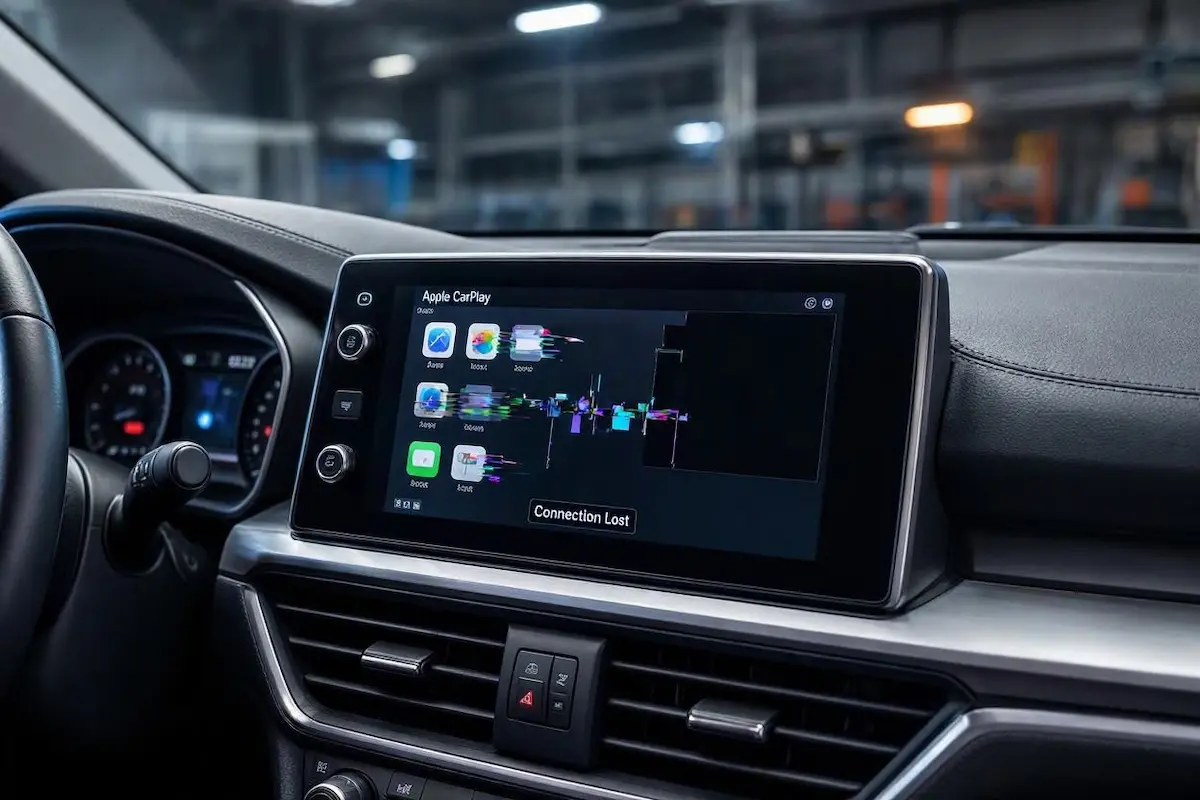
Diagnostic Matrix: Why Honda Display Audio Crashes
Match your specific dashboard symptoms to pinpoint the exact network or hardware bottleneck. Do this before assuming the worst about your honda apple carplay keeps crashing glitch:
| Honda Infotainment Symptom | The Root Cause | Workshop Fix |
|---|---|---|
| CarPlay drops the second you touch the USB cable | Pocket lint is compacted inside the Honda USB data port. | Clean out the USB port pins gently with a wooden toothpick. |
| Screen says “No Device Connected” but phone is charging | You are plugged into the 1.0A charge-only port, not the 1.5A/2.5A data port. | Move the cable to the USB port featuring the specific smartphone icon. |
| Screen freezes completely and touch buttons become unresponsive | The Honda Android-based operating system has run out of RAM memory. | Perform a physical audio power button hard reboot to clear the cache. |
Step 1: Switch to the Correct Smartphone USB Port
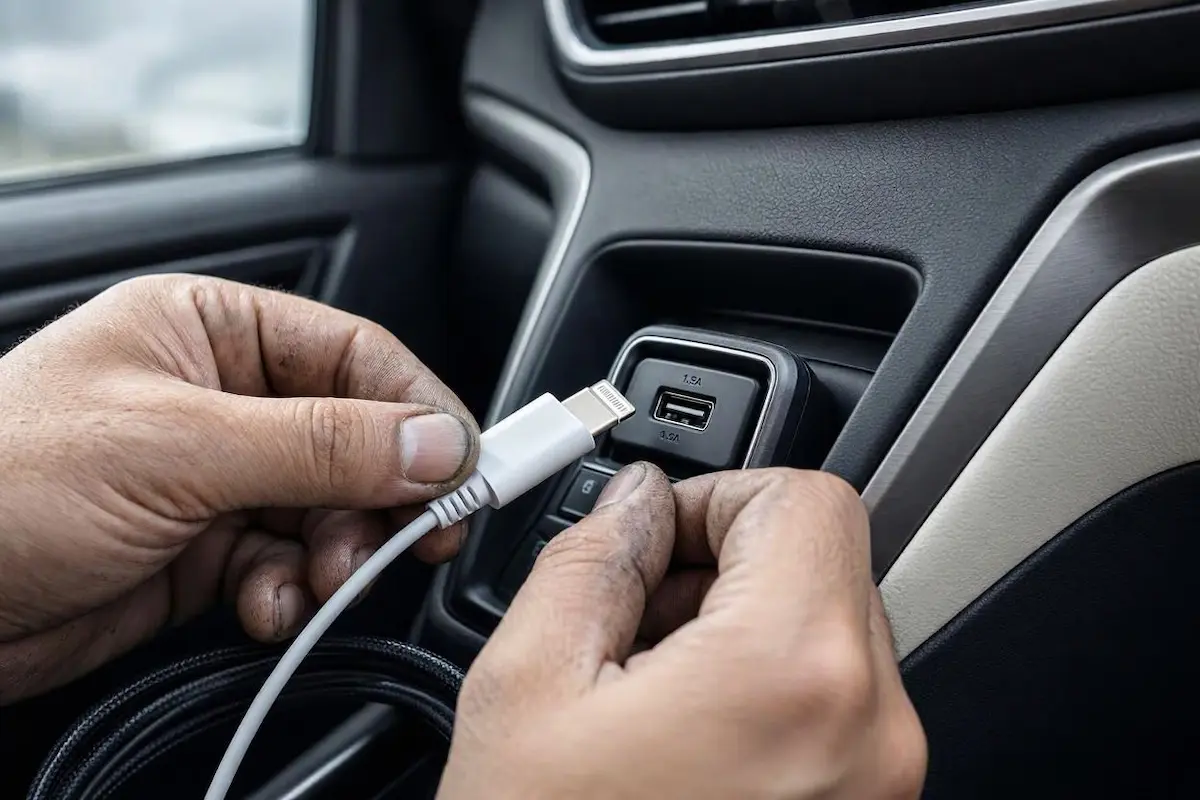
The most common reason for a honda apple carplay keeps crashing error is user error regarding the USB ports. Modern Hondas have multiple USB ports in the center console.
Usually, only one of these ports is wired directly to the Display Audio data bus. The other ports are strictly for charging passenger devices.
If you plug your iPhone into a 1.0A charge-only port, the system might try to initiate a handshake but will eventually crash the projection.
- The Workshop Fix: Look closely at the USB ports in your center console or under the climate controls.
- You must plug your MFi-certified cable into the specific port that has a small smartphone icon printed next to it (usually rated at 1.5A or 2.5A).
Step 2: Perform a Honda Infotainment Hard Reboot
The Honda Display Audio system actually runs on a heavily modified, older version of Android. Just like an old tablet, if you never restart it, the RAM fills up with junk data.
When the memory buffer overflows, the CarPlay app crashes. This simple soft reboot is a proven way to fix a honda apple carplay keeps crashing software loop.
- Park your Honda safely and leave the engine running so the screen is fully powered on.
- Press and hold the physical Audio Power button (or the volume knob, depending on your trim) on the dashboard.
- Keep holding it down for about 5 to 10 seconds.
- A prompt will pop up on the screen asking if you want to reboot the system. Tap Yes.
- Let the system fully restart and display the Honda logo before plugging your phone back in. You can also read our guide on general Apple CarPlay troubleshooting for more tips.
Step 3: Clear HondaLink and Bluetooth Pairing Profiles
If your physical cable is plugged into the correct port and a reboot didn’t solve the dropouts, your phone’s stored connection profile is likely corrupted.
HondaLink and standard Bluetooth handoff conflicts can disrupt the background data bridge required for stable CarPlay projection.
- On your iPhone, go to Settings > General > CarPlay, select your Honda profile, and tap Forget This Car.
- Open Bluetooth settings on your phone, locate your HandsFreeLink profile, and tap Forget This Device.
- On your Honda touchscreen, go to Settings > Bluetooth & Wi-Fi > Bluetooth Device List and delete your iPhone.
- On your iPhone, navigate to Settings > General > Transfer or Reset iPhone > Reset > Reset Network Settings. Check official Apple Support documentation for further iOS connection guidelines.
- Restart both devices and pair them fresh from scratch.
Step 4: Update the Honda System Software via Wi-Fi
Honda periodically releases Over-The-Air (OTA) software updates for the Display Audio system. These updates specifically patch bugs that cause smartphone projection to freeze.
Outdated head unit firmware is a major hidden reason why a honda apple carplay keeps crashing randomly on long drives.
- Connect your Honda to your home Wi-Fi network (or use another smartphone as a hotspot).
- Go to Settings > System > About > System Updates.
- Tap Via Wireless Connection and follow the on-screen prompts to download any available patches.
⚠️ Workshop Warning: Avoid using unbranded, ultra-cheap gas station charging cords. Apple CarPlay requires strict data shielding. Inferior cables lack proper twisted-pair wiring, resulting in massive packet loss and constant mid-drive disconnects.
Fixing projection drops in your Civic or Accord doesn’t mean you have to surrender your weekends at a dealership service desk.
Ensure you are using the correct data port, purge bloated pairing memory, and force a clean head unit reboot. Diagnose your symptoms step by step, and your Honda dashboard display will stay rock-solid on every single trip.
Frequently Asked Questions
Why does Apple CarPlay crash every time I hit a bump in my Honda?
This is almost always caused by compacted pocket lint inside your console USB port or a worn-out lightning cable. When vehicle vibration shakes the dashboard, the cable loses electrical pin contact, crashing the connection.
Which USB port should I use for CarPlay in a Honda Civic?
You must use the specific USB port marked with a small smartphone icon. This port is wired directly to the Display Audio data bus. The other unmarked USB ports provide charging power only and will not transmit video data.
How do I force restart my Honda Display Audio screen?
You can force restart the infotainment system by pressing and holding the physical Audio Power button (or volume knob) for about 5 to 10 seconds. A prompt will appear asking if you want to reboot; tap Yes.