
Volkswagen Apple CarPlay Keeps Disconnecting? (4 Best Fixes)
Is your volkswagen apple carplay keeps disconnecting on the road? Discover 4 fast workshop fixes to solve VW MIB infotainment screen dropouts today.

You start up your Volkswagen Tiguan or Jetta, plug your iPhone into the console USB port, and set your destination on Apple Maps.
Ten minutes down the highway, the MIB touchscreen suddenly goes blank, the music cuts out, and your navigation drops entirely. It is deeply frustrating when a volkswagen apple carplay keeps disconnecting issue happens mid-trip.
In our workshop, we diagnose this exact smartphone projection drop on Volkswagen models running MIB2 and MIB3 infotainment systems on a weekly basis.
Most vehicle owners immediately assume their iPhone hardware is failing or blame Apple for pushing a buggy iOS update. However, working on these German infotainment units constantly, I can tell you that the root cause is usually local cache bloat or a bogged-down background software thread.
A persistent volkswagen apple carplay keeps disconnecting fault is typically triggered by lint-packed USB-C ports, outdated MIB firmware, or corrupted Bluetooth pairing logs.
Before you let a local dealership charge you heavy diagnostic fees, let’s walk through the actual workshop steps to stabilize your connection.
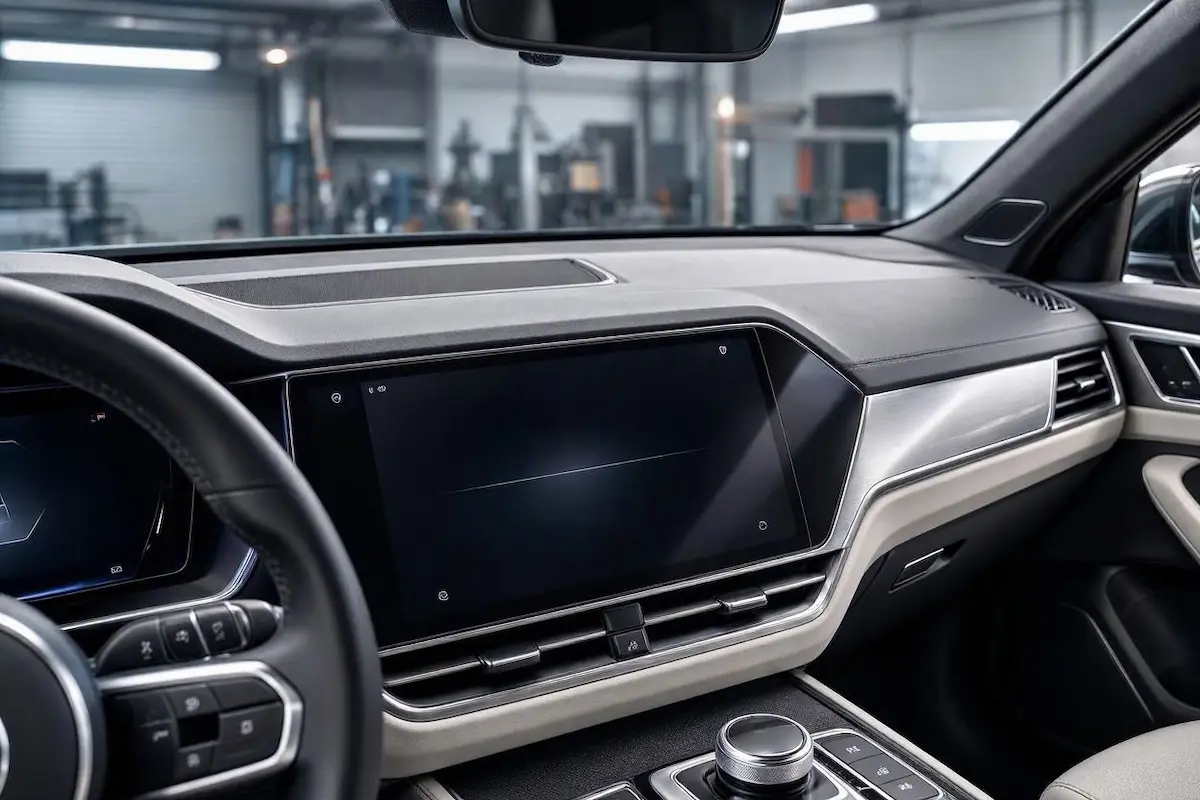
Diagnostic Matrix: Why Volkswagen MIB CarPlay Drops
Match your dashboard symptoms against our diagnostic matrix to isolate your specific volkswagen apple carplay keeps disconnecting trigger before diving into the fixes:
| VW Infotainment Symptom | The Root Cause | Workshop Fix |
|---|---|---|
| CarPlay drops instantly whenever your vehicle hits a bump or pothole | Microscopic pocket lint compacted inside the console USB-C data port | Clean out the USB port pins gently using a wooden toothpick |
| Screen freezes completely and touch buttons stop responding to input | Volkswagen MIB operating system RAM memory buffer has overflowed | Perform a physical radio power button hard reboot |
| Phone charges via cable, but CarPlay refuses to launch on screen | Corrupted cryptographic handshake tokens in the phone memory cache | Forget vehicle profiles on iPhone and reset network settings |
Fix 1: Clean Packed Lint Out of the Console USB-C Port
The number one physical reason for a volkswagen apple carplay keeps disconnecting error in modern VW models is hidden debris inside the USB-C port.
Because your lower console bin collects dust, coins, and pocket lint over time, every time you plug in your phone, tiny fibers get pushed deep inside your charging port.
When you drive over rough asphalt, vehicle vibration shifts the cable slightly, causing micro-gaps in the data transfer pins.
- Turn off your vehicle ignition completely so the infotainment system powers down.
- Take a clean wooden toothpick (never use metal pins or needles) and gently scrape along the bottom floor of your Volkswagen’s console USB-C port.
- You will likely pull out a surprising amount of packed lint and dust bunnies.
- Blow out remaining dust with a quick spray of compressed air, plug your certified cable back in until it clicks firmly, and test your connection.
Fix 2: Perform a Volkswagen MIB Infotainment Hard Reboot
Volkswagen’s MIB touchscreen systems run complex background software that handles vehicle settings, climate controls, and smartphone projection simultaneously.
When temporary memory buffers overflow, the CarPlay background daemon crashes, forcing the system to drop your session.
This simple soft reboot is a proven workshop method to clear out a volkswagen apple carplay keeps disconnecting software loop.
- Park your Volkswagen safely and leave the engine running or ignition in the ON position.
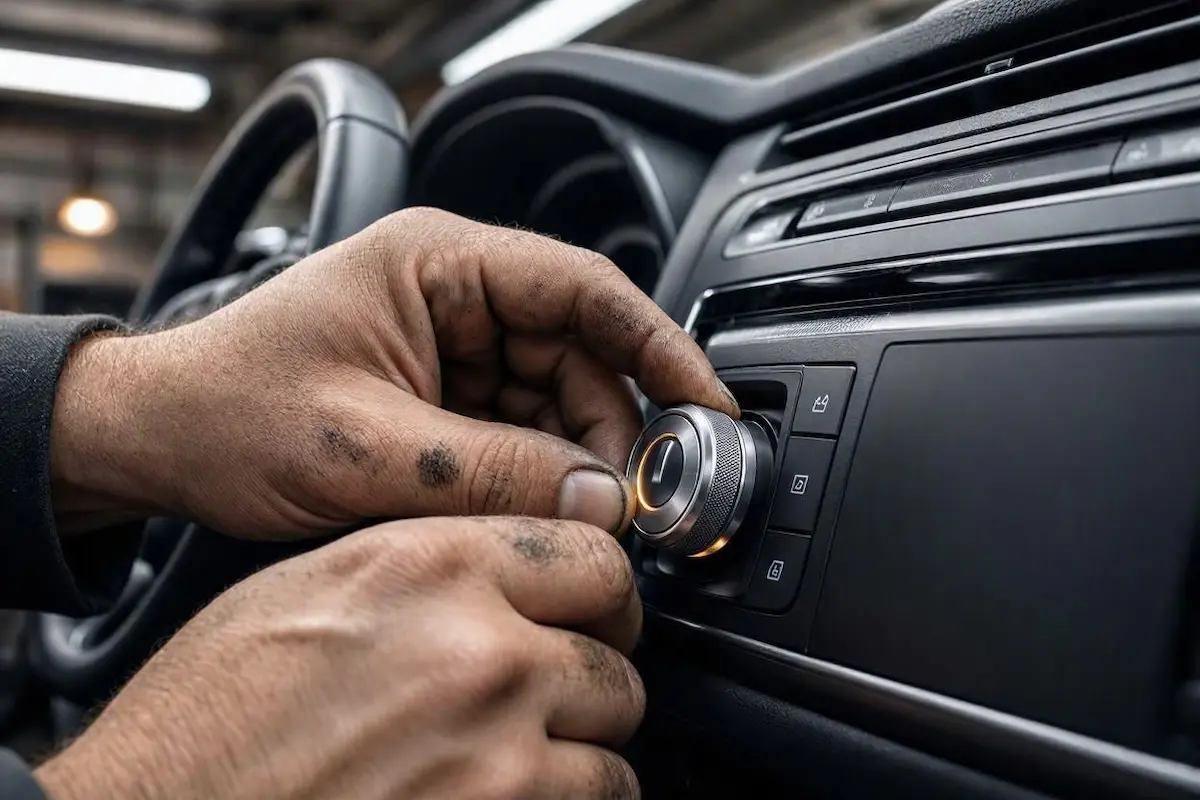
- Locate the physical Power / Volume button knob on your center dashboard console.
- Press and hold that power button down continuously for about 10 to 15 seconds.
- Keep holding until the entire screen goes black and the official VW startup logo reappears.
- Let the system fully reload its background services before plugging your phone back in. You can also reference our general guide on resolving stubborn Apple CarPlay dropouts across major vehicle brands.
Fix 3: Clear iPhone Pairing Profiles and Reset Network Stack
If your physical cable is spotless and a soft reboot didn’t solve the dropouts, your phone’s stored connection profile is likely corrupted.
Bluetooth handoff conflicts can disrupt the background data bridge required for stable projection sessions.
- On your iPhone, go to Settings > General > CarPlay, select your Volkswagen profile, and tap Forget This Car.
- Open Bluetooth settings on your phone, locate your VW Bluetooth profile, and tap Forget This Device.
- On your Volkswagen touchscreen, go to the Bluetooth/Devices menu and delete your iPhone from the paired device memory list.
- On your iPhone, navigate to Settings > General > Transfer or Reset iPhone > Reset > Reset Network Settings to clear out stale socket caches. Check official Apple Support documentation for further iOS connection guidelines.
- Restart both devices and pair them fresh from scratch.
Fix 4: Check and Update VW MIB Firmware
Volkswagen occasionally releases software patches to address smartphone connectivity glitches and USB handshake failures on MIB units.
If your system version is severely outdated, it may struggle to maintain stability with recent iOS updates, leading to a recurring volkswagen apple carplay keeps disconnecting problem.
- Navigate to Menu > Settings > System Information on your touchscreen to check your software version.
- If you notice persistent firmware bugs, consult your authorized Volkswagen dealership service center to check if an official software update bulletin applies to your vehicle model year.
⚠️ Workshop Warning: Avoid using unbranded, ultra-cheap gas station charging cords or frayed cables. Apple CarPlay requires strict data shielding; inferior cables lack proper twisted-pair wiring, resulting in massive packet loss and constant mid-drive disconnects.
Fixing projection drops in your Volkswagen doesn’t mean you have to surrender your weekends at an expensive dealership service bay.
Clean out your console ports, purge bloated pairing memory, and force a clean head unit reboot using the power knob. Diagnose your volkswagen apple carplay keeps disconnecting symptoms step by step, and your display will stay rock-solid on every single trip.
Frequently Asked Questions
Why does Apple CarPlay disconnect every time I hit a bump in my Volkswagen?
This is almost always caused by compacted pocket lint inside your console USB-C data port or a worn-out cable connector that loses electrical pin contact when vehicle vibration shakes the dashboard.
Do I need a special USB cable for Volkswagen CarPlay?
Yes. You must use an MFi-certified Lightning or USB-C cable. Generic charging-only cables lack the high-speed data transmission lines required to stream stable video projection.
How do I force restart my Volkswagen MIB infotainment screen?
You can force restart the VW MIB system by pressing and holding the physical power/volume knob down continuously for about 10 to 15 seconds until the startup logo appears on the screen.