
Android Car Stereo No Sound: 5 Proven Fixes (100% Working)
Touchscreen working but speakers are completely dead? If you are facing an Android car stereo no sound issue, discover how to connect the 12V amp trigger wire, run a multimeter continuity test for speaker ground shorts, and enable built-in amplifier settings.

You spent hours tucking wires behind the dashboard, bolted the frame in place, turned the key, and watched the Android screen boot up perfectly.
You hit play on YouTube or your music player, the track timer starts ticking, but there is complete silence from every speaker in the car.
Running into an android car stereo no sound issue is easily one of the most frustrating things you can face after an install.
Here is the good news: in over 90% of the cars brought to our workshop bench, the stereo hardware itself is completely fine.
What you are dealing with is almost always a missed 12V amp trigger wire, an accidental mute ground, or an internal safety shutoff.
Let us walk through how to troubleshoot and fix an android car stereo no sound problem step by step, just like we do in the garage.
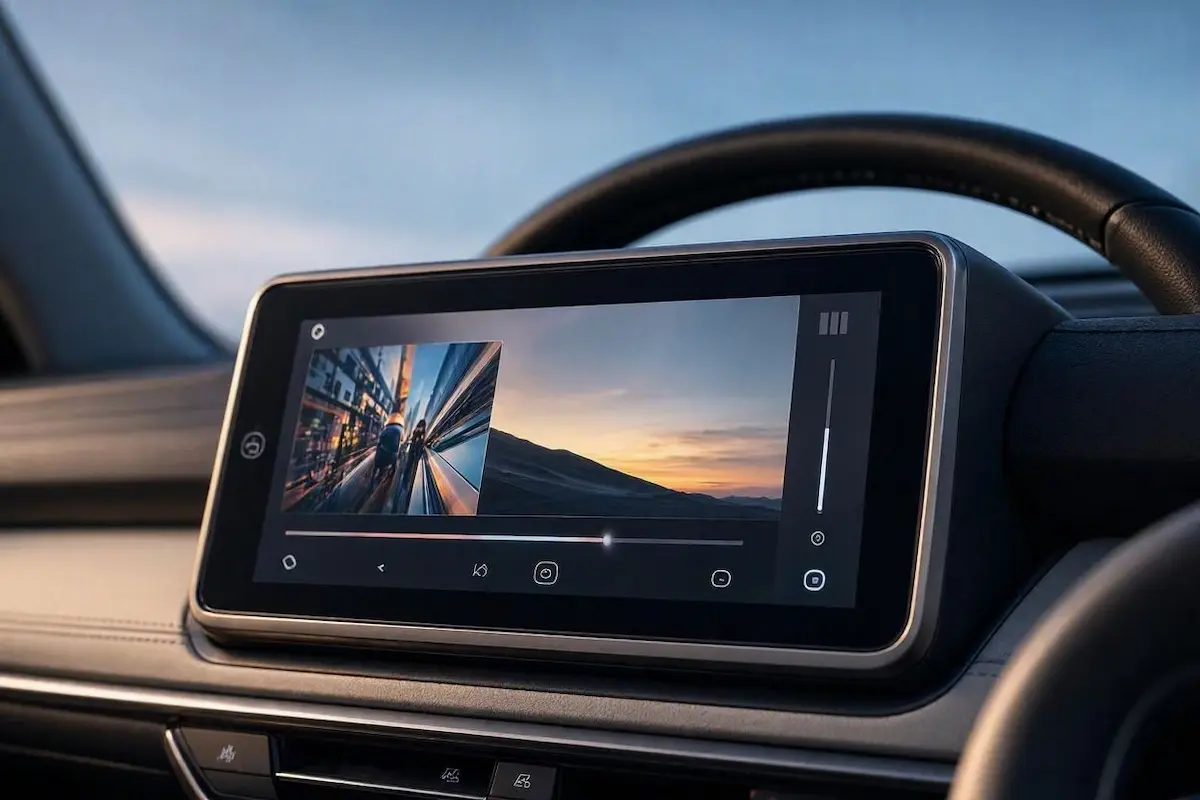
Why Does an Android Car Stereo No Sound Glitch Happen?
Inside budget and aftermarket Android stereos, audio routing runs through an onboard power amplifier chip (typically a TDA7388 or TDA7851 IC).
These amplifier chips feature built-in electronic self-defense. If even one speaker wire touches chassis metal, the chip instantly cuts all sound output.
That automatic protection shutoff is the leading reason behind an android car stereo no sound headache on standard car setups.
The second major reason involves vehicles with factory-fitted premium sound packages, such as Bose, JBL, Harman Kardon, or Rockford Fosgate systems.
In these vehicles, the dashboard stereo does not directly drive the speakers. Sound signals travel to an external factory amplifier hidden under the seat.
That external amp requires a dedicated 12V wake-up trigger. If that remote line is disconnected, the amplifier stays asleep.
You can learn more about system-level audio routing via the Android Automotive Audio documentation.
| What You Hear (Symptom) | What Is Actually Happening | The Real Workshop Fix |
|---|---|---|
| Sound plays on FM radio, but dead silent on apps/Bluetooth | Amp trigger is wired to the ANT wire instead of AMP | Move the amp turn-on wire to the blue/white AMP-CONT pin |
| Total silence everywhere (Radio, YouTube, Calls) | Missing 12V amp trigger or speaker wire shorted to body metal | Check 12V on AMP line and test speaker wires with a multimeter |
| Speakers make one loud “thump/pop” on boot, then silence | A bare speaker wire terminal is touching bare car chassis | Wrap all exposed speaker joints with heat shrink or insulation tape |
| Plays fine for 5 to 10 minutes, then audio cuts out | Internal amp chip overheating from 2-Ohm factory speakers | Add inline crossover resistors or fit a small 12V cooling fan |
| Navigation voice works, but music makes no sound | Media volume slider is muted in Android audio settings | Go to Car Settings → Sound and balance independent audio channels |
1. Connect the Blue AMP-CONT (Remote Turn-On) Wire
If you run into an android car stereo no sound issue right after hooking up a car with an OEM factory amplifier, this single wire is the culprit 95 times out of 100.
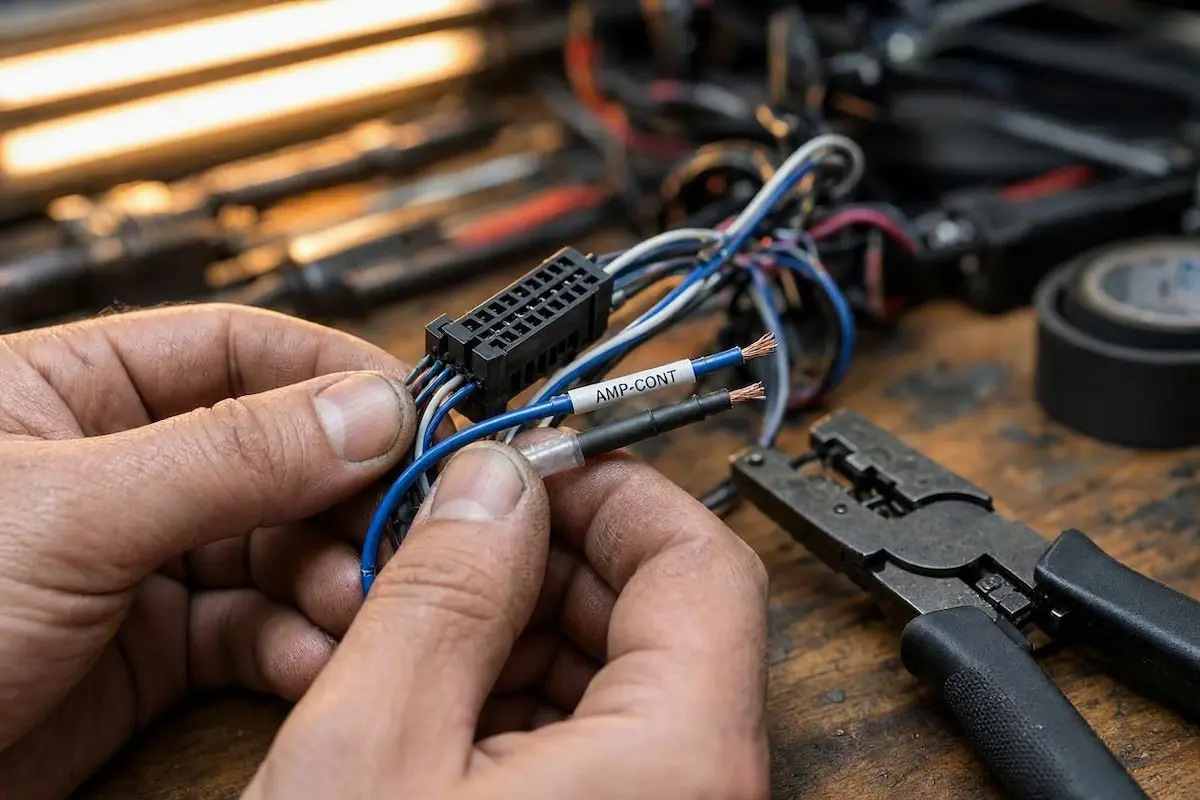
- Pull the stereo out slightly and inspect the main 16-pin wiring harness plugged into the rear heatsink.
- Find the solid blue or blue with a white stripe wire labeled
AMP-CONT,AMP_POW, orREMOTE. - This wire must connect to the pin on your car’s wiring plug that powers the factory amplifier relay.
- The Rookie Installer Trap: Many generic harnesses connect the amp wire to the blue antenna wire (
ANT-CONT). The antenna wire only outputs 12V while the FM Radio app is open, killing app audio instantly.
2. Test for Speaker Ground Shorts (Multimeter Beep Test)
If your car does not have an external amplifier and wires run straight to the doors, the internal TDA sound IC may be locking itself down.
When this happens, your android car stereo no sound state continues even when the volume slider is pushed to maximum.
If even one tiny strand of copper touches the car’s steel chassis, the chip shuts off all four audio channels simultaneously.
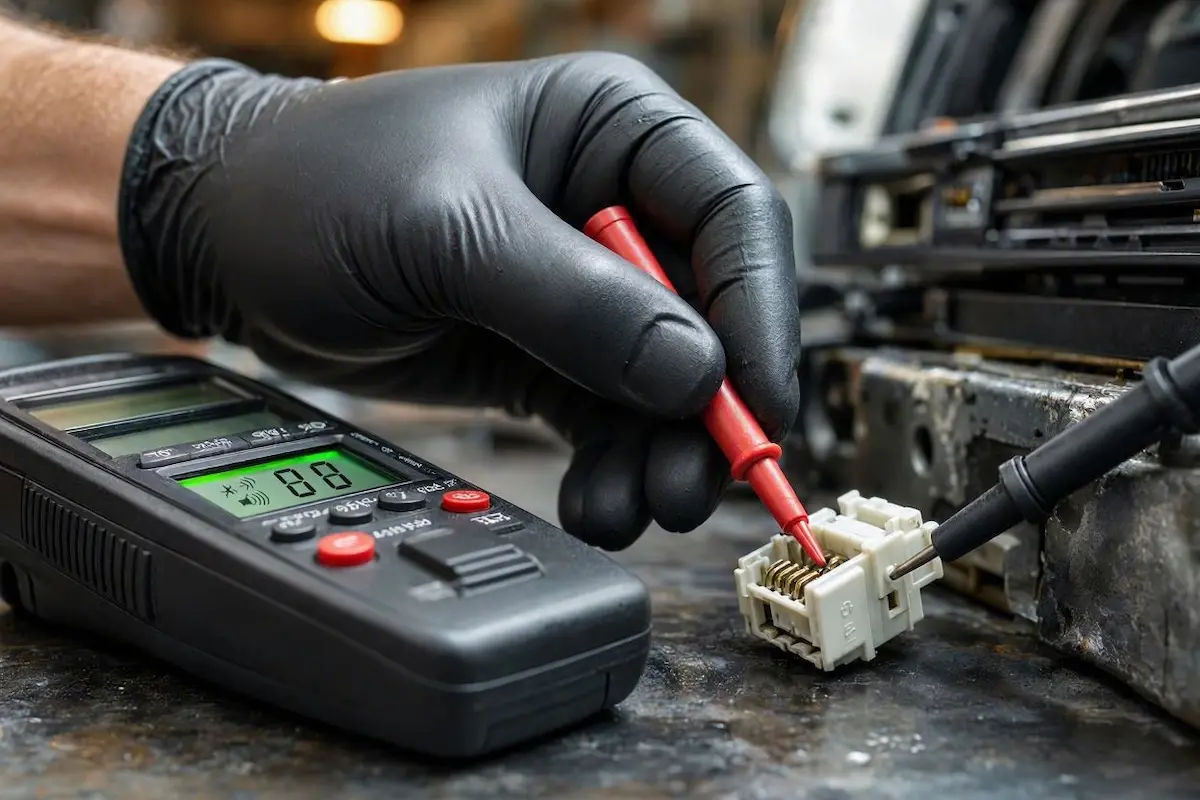
- Unplug the main 16-pin harness from the back of the stereo.
- Set any basic digital multimeter to Continuity mode (the setting that beeps when probes touch).
- Touch the black probe to clean bare metal on the dashboard support frame.
- With the red probe, test each of the 8 speaker pins on the car-side harness (White, Gray, Green, Purple, and black-stripe pairs).
- The Diagnostic Rule: None of the 8 speaker wires should beep. If any wire beeps, that speaker wire is pinched or stripped inside the door boot, shorting the system.
3. Inspect the TEL MUTE Wire for Accidental Grounding
A common cause of sudden audio silence is a grounded tel mute car stereo wire lurking behind your dashboard.
Almost every universal 16-pin harness includes an extra pink or brown lead labeled MUTE or TEL-MUTE.
This line was engineered for legacy hands-free phone kits to automatically silence music when an incoming telephone call arrived.
The tel mute car stereo function triggers whenever this lead touches electrical ground, including chassis metal or the black ground wire.
When grounded accidentally, the stereo enters a permanent silent state while media continues playing silently on screen, without displaying any mute icon.
This grounding trap creates an unexpected android car stereo no sound bug that fools most DIY installers.
Always snip the bare copper tip and seal it securely with electrical tape. You can double-check pin positions in our complete guide to connect factory wiring to android head unit systems.
Note for CANbus Vehicles: If your stereo uses an external CANbus decoder box (Raise, Hiworld, or Simple Soft), make sure your decoder protocol is configured properly.
Follow our step-by-step guide to configure Android car stereo CANbus settings, and grab the correct PIN from our Android car stereo factory passwords guide to ensure digital wake-up packets reach your sound processor.
4. Check the Internal Amp Setting in Factory Menu
An accidental firmware setting can also trigger an android car stereo no sound situation.
Some generic ROMs (Allwinner, Topway, FYT) allow the onboard amplifier chip to be turned off completely:
- Open Settings → Car Settings → Factory Settings.
- Enter your board’s PIN (standard codes are usually
8888,1617,3368, or123456). - Navigate to the Audio or Sound Config tab.
- Make sure Internal Amp (or Built-in Amp IC) is set to ON / Enabled. If set to “External DSP” or “SPDIF”, power to built-in speaker terminals is cut.
- Save and reboot the unit so the MCU updates its audio driver table.
5. Watch Out for 2-Ohm Factory Speakers (Thermal Cutoff)
Standard aftermarket Android head units are built to drive standard 4-Ohm speaker loads.
However, many OEM premium sound packages (especially Bose and Infinity setups) utilize low-impedance 2-Ohm or 1.5-Ohm speakers.
Powering 2-Ohm speakers directly with a budget Android head unit forces the amplifier IC to draw double its intended current.
The chip heats up rapidly, hits its 150°C thermal ceiling, and cuts all audio until the car cools down.
Encountering an android car stereo no sound failure during loud playback often points to mismatched speaker impedance.
If your unit cuts out only after playing loudly, verify your speaker resistance. You can also monitor electrical stability with our car stereo battery drain troubleshooting guide.
Frequently Asked Questions (FAQ)
What does the TEL MUTE wire do on an aftermarket car stereo?
The tel mute car stereo wire silences audio output whenever it detects a ground connection. In modern installations without an external hands-free box, leaving this wire uninsulated can ground out against dashboard metal and cause permanent audio silence.
Why does my stereo have sound on the radio but nothing on Bluetooth or apps?
Your external amplifier is wired to the blue power antenna lead (ANT-CONT) instead of the blue/white trigger lead (AMP-CONT). The antenna wire only provides 12V when the stock Radio app is open. Moving that wire to the correct AMP trigger restores sound across all apps.
Why do my car speakers pop once when turning on the key and then go silent?
That initial pop is the amplifier chip sending a reference voltage down the speaker lines. If the chip detects a short circuit or ground offset on any wire, it immediately enters protect mode to prevent internal damage.
Can low vehicle battery voltage trigger an android car stereo no sound fault?
Yes. If your vehicle battery drops below 11.5 volts, the Android touchscreen may stay on, but the audio amplifier IC will shut down due to insufficient rail voltage.
Connecting the blue remote trigger wire, wrapping bare mute leads, and clearing speaker ground shorts permanently fixes an android car stereo no sound error, restoring clean, powerful audio to your vehicle.
[…] Because electricity always seeks the path of least resistance, stray voltage from the vehicle chassis travels backward through the outer shield of your RCA cables to equalize. If you also notice audio cutouts or dropouts, verify your speaker wiring before testing, or consult our guide on fixing android car stereo no sound issues. […]
[…] को turant theek kar deta hai. Agar aapko audio se related koi aur dikkat hai, toh aap hamari android car stereo no sound troubleshooting guide bhi dekh sakte […]