
Android Car Stereo Canbus Setup: 5 Proven Fixes (Door & AC Info)
Door status, climate control, or steering controls not showing on screen? Follow this technician guide to configure android car stereo canbus setup with Raise, Hiworld, and XP decoders.

Few things are more frustrating than completing a head unit upgrade only to find your door open popups, AC climate display, and reverse parking trajectory lines missing. Most car owners assume the touchscreen is defective or that the Android operating system is incompatible with their dashboard. In our workshop bench testing, 99% of these communication failures come down to an incomplete android car stereo canbus setup.
Modern vehicles broadcast body, climate, and steering wheel sensor telemetry across a differential Controller Area Network (CAN bus) digital data stream. Generic Android motherboards (built on Topway TS10, TS18, UIS7862, or Allwinner platforms) cannot process this raw high-speed binary data directly through their primary CPU pins without an intermediary protocol translator.
To bridge this communication gap, your installation harness uses an external microcontroller decoder module (manufactured by brands like Raise, Hiworld, Simple Soft, or Bagoo). Follow these five bench-tested procedures to complete your android car stereo canbus setup properly and restore factory vehicle integration.
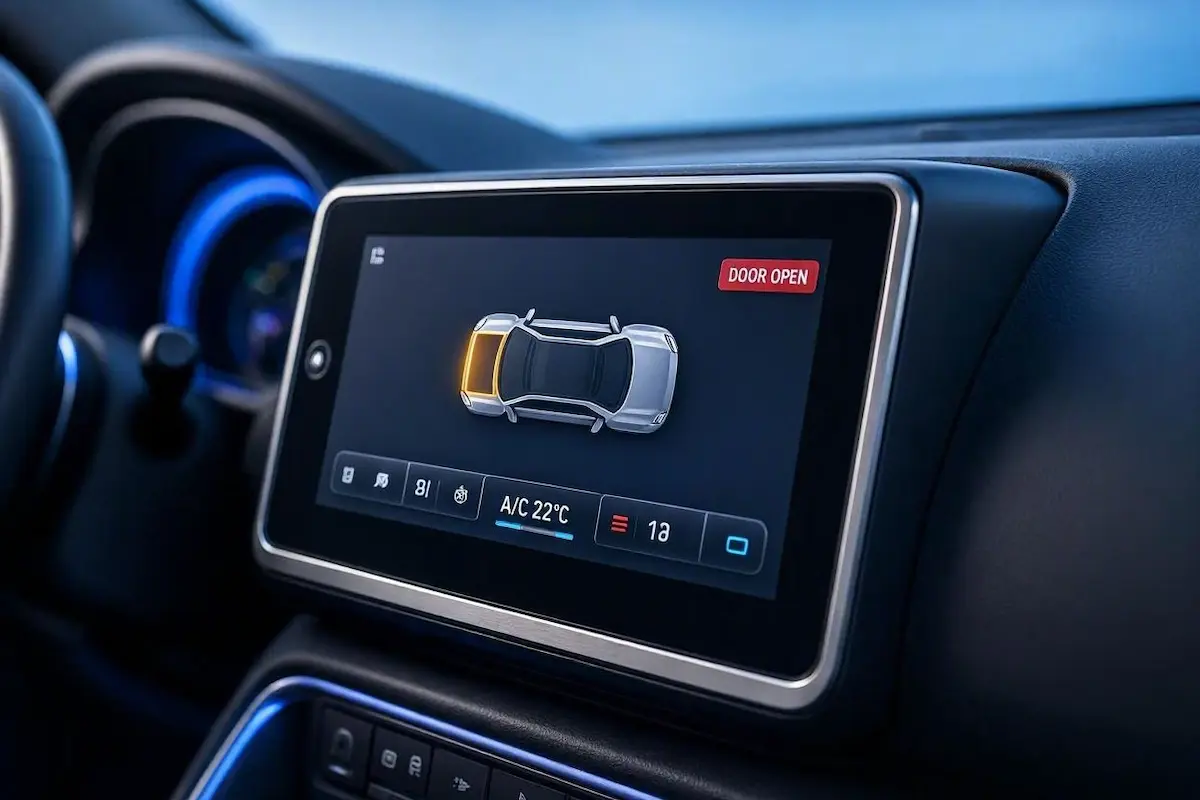
Diagnostic Matrix: Why an Android Car Stereo CANbus Setup Fails
Match your specific vehicle symptoms against our workshop configuration matrix to isolate an android car stereo canbus setup communication failure before pulling dashboard panels:
| CANbus Brand Marking | Decoder Label / Series | Supported Vehicle Makes | Default Setting Path |
|---|---|---|---|
| Raise (RZC) | RZ-SS / G-RZ / RZC-V | Hyundai, Kia, Maruti Suzuki, Honda | Factory Settings → Protocol → Raise → Car Model |
| Hiworld (PA) | HW-RZ / B2 / L-PA | Volkswagen, Skoda, Ford, Toyota | Factory Settings → Protocol → Hiworld → Car Model |
| Simple Soft (XP / Xinpu) | XP-RZ / SP-BM | Mahindra, Tata, Chevrolet, Nissan | Factory Settings → Protocol → XP / Xinpu → Car Model |
| Bagoo (BG) / OuDi (OD) | BG-CAN / OD-Universal | BMW, Audi, Mercedes-Benz, Jeep | Factory Settings → Protocol → Bagoo / OD → Car Model |
| Binary Data Mismatch | Loose RX/TX communication pins | All makes (Missing Door/AC popups) | Inspect and reseat 8-pin auxiliary serial plug |
Step 1: Choose the Matching Decoder Box in Factory Settings
The single most frequent mistake during an android car stereo canbus setup is selecting an incorrect decoder manufacturer inside the hidden engineering menu.
If your wiring harness is plugged into a physical Raise (RZC) module and you select Hiworld or Simple Soft inside the touchscreen operating system, the system UART driver cannot parse the incoming packet structure:
- Inspect behind the dashboard at the small rectangular plastic module spliced into your harness. Note the printed brand name and sticker part number (e.g., RZ-VW01 or HW-TY02).
- Turn your vehicle ignition key to the ACC position and allow the touchscreen to boot fully into the launcher.
- Open Car Settings and tap on Factory Settings (or Extra Settings).
- Enter your board’s engineering passcode. If you need your hardware PIN, consult our Android car stereo factory settings passwords list.
- Navigate to the tab labeled CANbus, Protocol, or Car Model Selection.
- Select your matching decoder hardware manufacturer first, followed by your vehicle make, chassis model, and production year.
- Tap Save / Confirm. The stereo will reboot automatically, flushes cached MCU tables, and binds the selected vehicle protocol.
⚠️ Factory Trim Level Mismatch: If your vehicle is a base trim level without factory navigation, choosing a “High Trim” or “Amplified” profile will cause the CANbus decoder to continuously search for missing OEM digital amplifiers, leading to audio muting. Always select the profile matching your vehicle’s physical factory equipment.
RELATED TROUBLESHOOTING GUIDE
Step 2: Verify the 8-Pin RX/TX Serial Communication Harness
Your head unit cannot parse vehicle sensor telemetry if the physical serial line is disconnected. Software configuration is entirely useless without a solid hardware path during your android car stereo canbus setup.
Examine the rear chassis of the head unit. Next to the main 16-pin ISO power receptacle, there is always an auxiliary 8-pin or 20-pin white micro-fit connector attached to the vehicle harness:
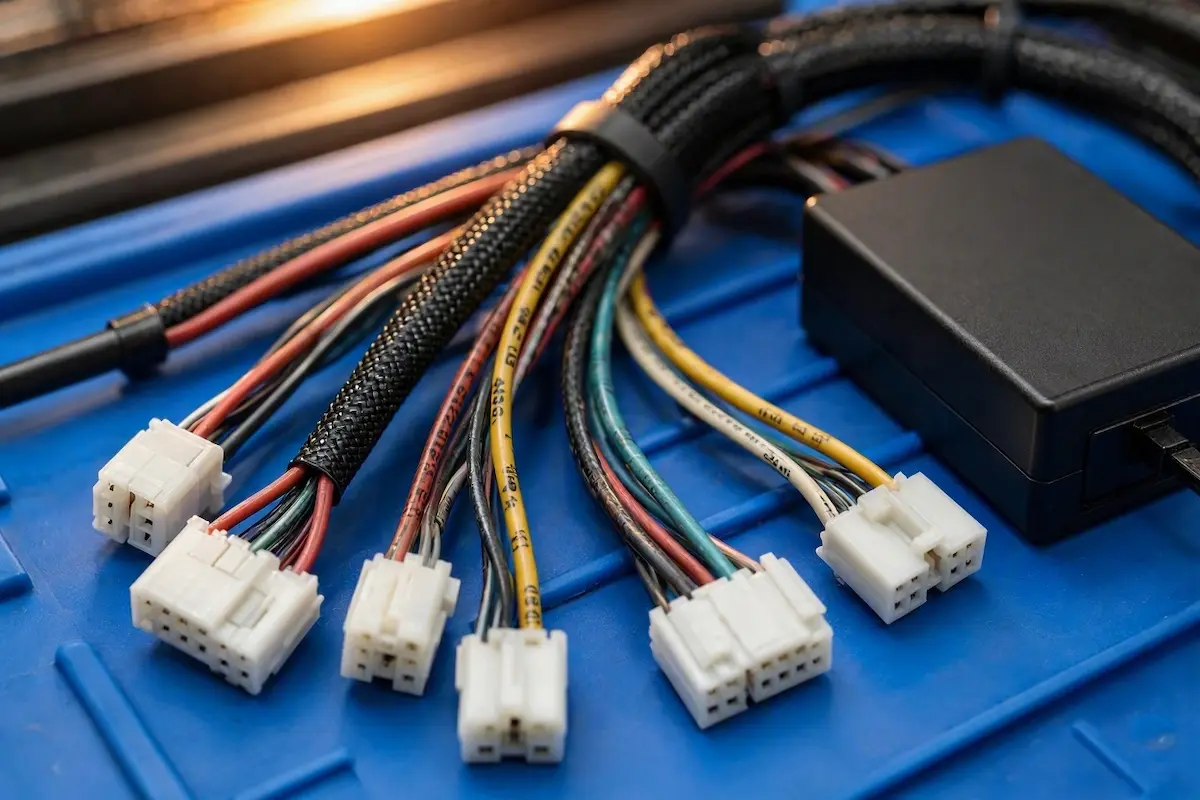
- TX and RX Data Conductors: This auxiliary connector carries dedicated TX (Transmit) and RX (Receive) TTL-level serial communication lines.
- Data Processing Pipeline: These lines feed pre-processed vehicle data packets directly from the CAN decoder box into the Android system on-chip (SoC).
- Loose Auxiliary Plugs: Installers frequently plug in the main 16-pin power connector but leave this smaller white 8-pin connector dangling unseated inside the dash cavity. If unplugged, the screen remains completely blind to door triggers and reverse gear engagement.
- Mechanical Inspection: Unplug the connector, check the terminal pins for backing out or bends, and push it firmly back into its matching socket until the locking tab clicks down. Review our wiring guide to connect factory wiring to android head unit pins properly.
Step 3: Match UART Baud Rate and Display Feature Toggles
A mismatched communication speed immediately stalls your android car stereo canbus setup data pipeline, causing intermittent screen freezes or missing graphic overlays.
Modern vehicles run 500 kbps high-speed networks, while older chassis use 125 kbps or 33.3 kbps body networks. The UART serial interface between the decoder box and the stereo motherboard must match this operational speed:
- Inside Factory Settings → Protocol / UART Settings, check the baud rate configuration.
- For TS10, TS18, and Allwinner mainboards, set the serial baud rate to 19200, 38400, or 115200 based on your specific decoder markings.
- Enable Pop-up Overlays: Locate the Door Display and Air Conditioner (AC) Display toggles inside the protocol menu and ensure they are switched to Enabled. If disabled, the processor decodes the packets successfully but suppresses on-screen visual popups.
- Steering Wheel Control Source: In steering control settings, switch the detection mode from Analog Resistive (Key 1 / Key 2) to CANbus Protocol.
PARASITIC DRAIN PREVENTION
Step 4: Download Fresh Protocol APK Updates via Wi-Fi
If you drive a facelift vehicle or newly redesigned model year, the factory-shipped MCU firmware might be missing your car’s specific CAN arbitration ID tables.
Updating your protocol database over the air provides access to updated android car stereo canbus setup configurations without manual firmware flashing:
- Turn on your smartphone’s mobile Wi-Fi hotspot and connect the head unit to provide clean internet access.
- Open Factory Settings → Protocol Settings.
- Tap the Update Protocol, Online Update, or Cloud Download button positioned in the top corner of the display.
- Select your hardware decoder brand (e.g., Hiworld or Raise) and tap Start Download.
- The operating system downloads the latest vehicle database directly into internal storage. Once the download completes, re-select your specific car model and reboot the head unit. If your head unit fails to boot cleanly, see our walkthrough for recovering an Android car stereo boot loop.
Step 5: Troubleshoot Swapped CAN-High and CAN-Low Data Wires
Reversed differential wires in budget aftermarket adapter harnesses will render your android car stereo canbus setup completely dead, resulting in a blank screen and non-functional steering controls.
Locate the tightly twisted pair of data wires leading from the vehicle plug into your CANbus box. Automotive standards typically use yellow or green for CAN-High (CAN+) and green/black, white, or brown for CAN-Low (CAN-):
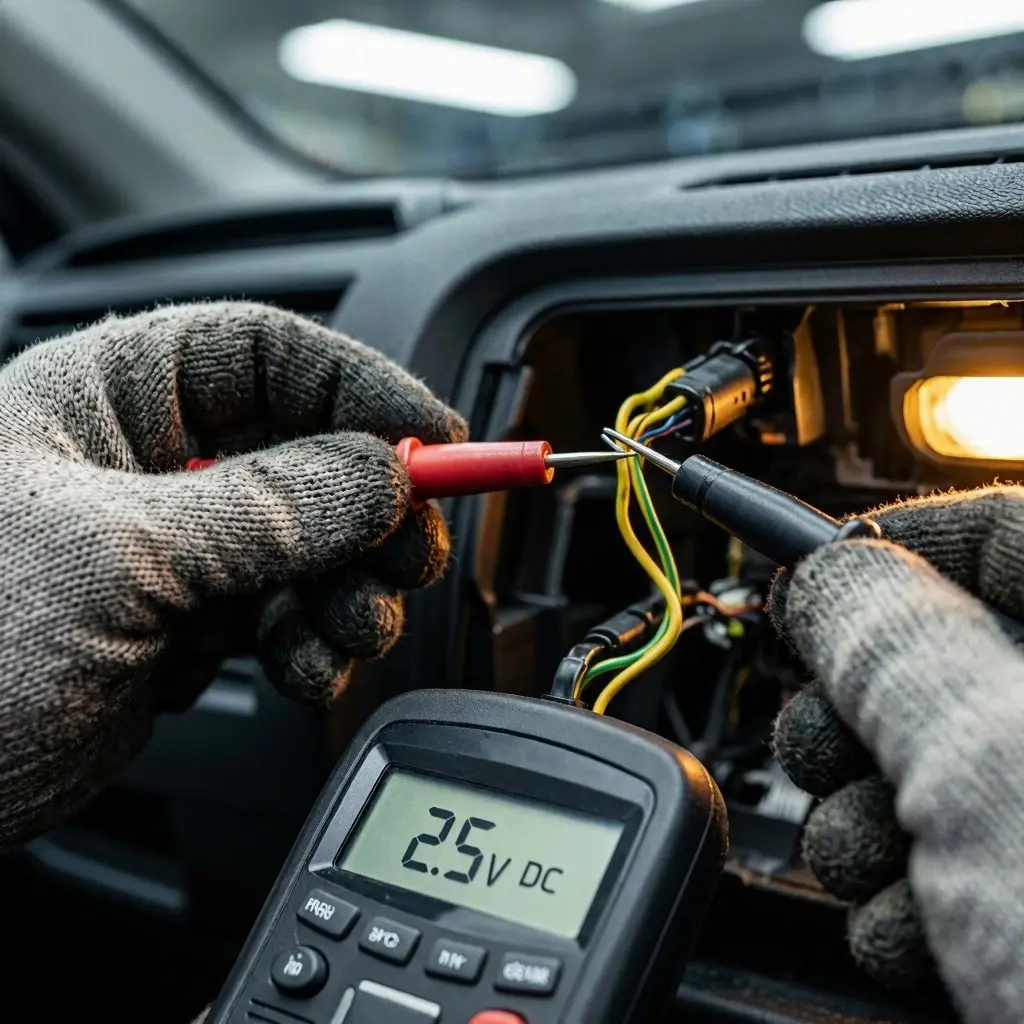
- Digital Multimeter Test: Turn the vehicle ignition ON. Connect your multimeter black probe to clean chassis ground metal and back-probe the wires with the red test lead.
- CAN-High Voltage: Should read steadily between 2.5V and 3.5V DC as digital packets transmit.
- CAN-Low Voltage: Should read steadily between 1.5V and 2.5V DC under active communication.
- Detecting Harness Shorts: Both differential data lines float around a 2.5V baseline. If either wire reads 0.0V (short to ground) or full 12.0V (short to battery power), immediately unplug the harness to prevent damaging the vehicle’s Body Control Module (BCM).
- Parasitic Sleep Drain: If your CAN box feels warm to the touch hours after turning off the engine, the decoder is failing to sleep, which will discharge your car battery overnight.
Completing a functional android car stereo canbus setup requires matching physical hardware decoders with correct software profiles and verifying serial data integrity. Selecting your exact decoder manufacturer in factory menus, seating the 8-pin RX/TX data harness, and confirming 2.5V differential bus voltages restores complete vehicle integration—bringing factory door alerts, climate status, and steering wheel controls back to life.
Frequently Asked Questions (FAQ)
Why is my android car stereo canbus setup not displaying AC temperature?
Climate status popups require an electronic automatic climate control system (HVAC ECU). If your vehicle dashboard uses manual rotary dials with mechanical push-pull steel cables, no digital data stream exists for the CANbus decoder to read.
Do all cars require a CANbus box for aftermarket Android stereos?
No. Basic vehicles that use traditional analog 12V switched wires for ACC, illumination, reverse triggers, and steering wheel resistance (Key1 / Key2) do not require a CANbus box. In those vehicles, you set steering controls directly through the built-in Wheel Key Study application.
Can selecting the wrong car model in CANbus settings cause battery drain?
Yes. If you choose an incompatible protocol, the CANbus box may continuously ping the vehicle’s body control module (BCM) with mismatched wake-up requests, preventing your car’s electronic control units (ECUs) from entering deep sleep mode overnight.
What should I do if my exact vehicle model is missing from the protocol list?
Connect your head unit to Wi-Fi and execute an online protocol update. If your exact trim is still missing, select a mechanically identical sister vehicle from the same manufacturer (e.g., choosing Hyundai Elantra for an i30, or Volkswagen Golf for a Jetta), as core CAN bus IDs are shared across vehicle platforms.